Top 5 Android Apps for Advanced Photo Editing
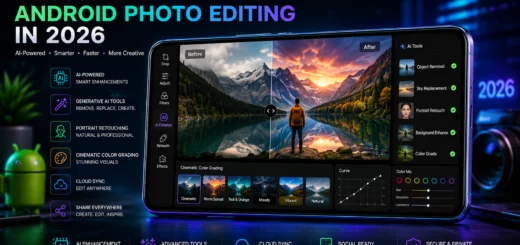
Smartphone photography has evolved dramatically over the past few years and in 2026, Android users have access to some of the most powerful photo editing tools ever created. Thanks to AI-powered enhancements, advanced editing controls and professional-grade features, mobile photo editing is no longer limited to basic filters and cropping. Whether you’re a content creator, social media influencer, photographer or casual user, the right photo editing app can transform ordinary images into stunning visual masterpieces.
Table of Contents
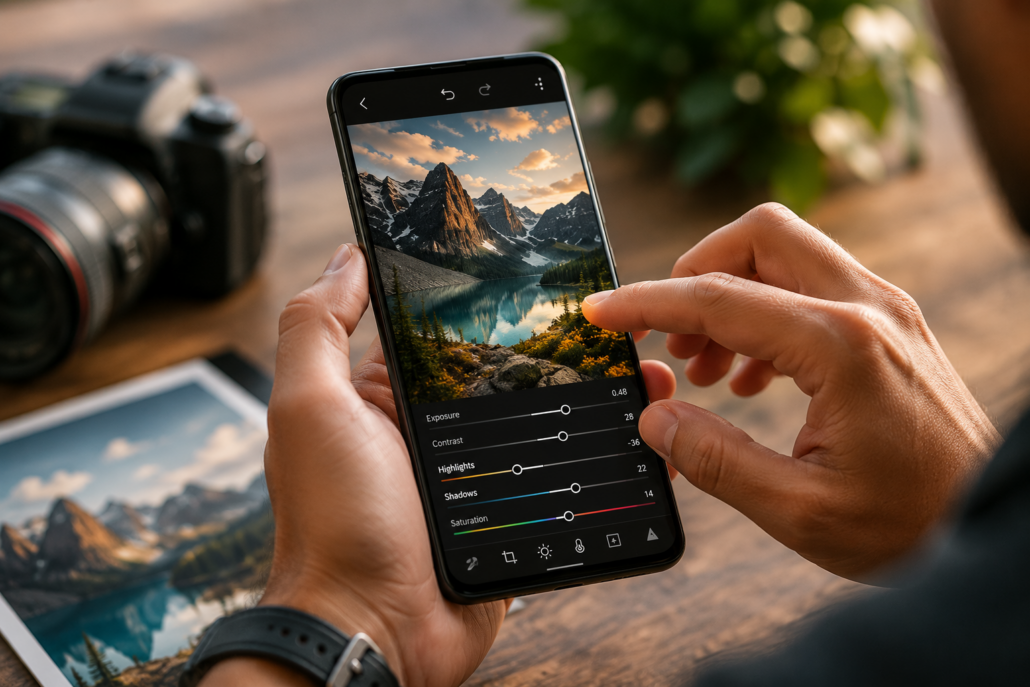
Photographer using an Android smartphone to edit a high-resolution landscape photo with advanced exposure, contrast and color adjustment controls.
Why Advanced Photo Editing Apps Matter
Modern smartphone cameras capture incredible images, but editing remains essential for achieving professional results. Advanced editing apps help users:
- Enhance image quality
- Correct exposure and colors
- Remove unwanted objects
- Apply creative effects
- Improve portrait photos
- Create social media-ready content
- Edit RAW image files
With artificial intelligence becoming a major part of mobile photography, many editing apps now automate complex tasks while still providing manual controls for experienced users.
1 Adobe Lightroom Mobile
Best for Professional Photo Editing
Adobe Lightroom Mobile continues to dominate the mobile editing landscape in 2026. Designed for photographers and creators, Lightroom offers desktop-level editing capabilities on Android devices.
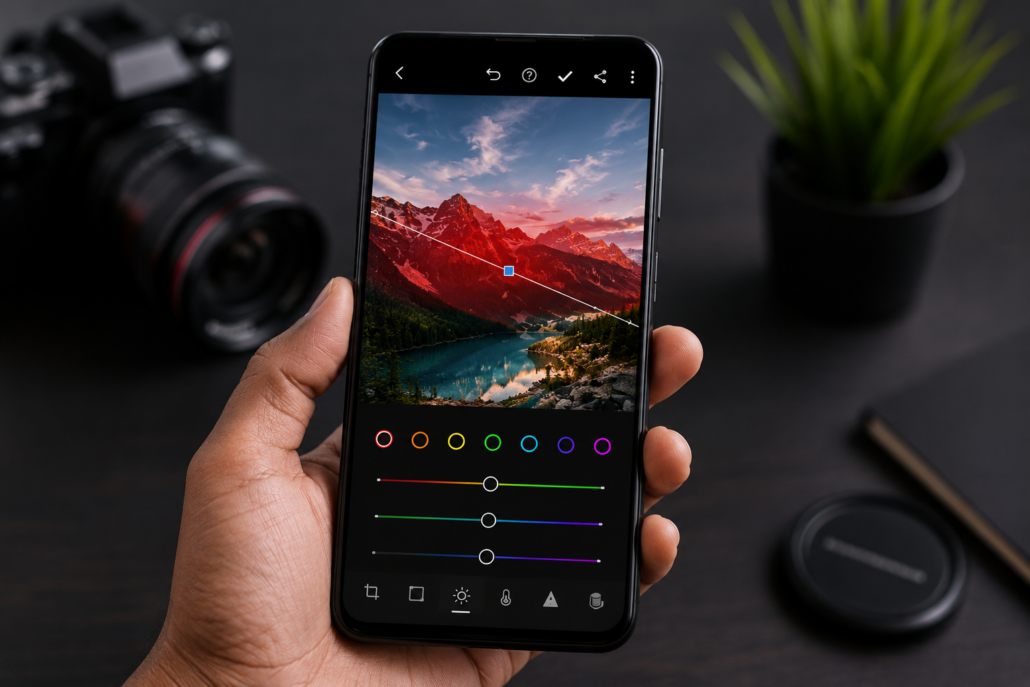
Android smartphone displaying RAW photo editing with advanced color grading, masking tools and professional image enhancement controls in Adobe Lightroom Mobile.
Key Features
- Professional RAW photo editing
- AI-powered object removal
- Advanced color grading tools
- Selective masking and adjustments
- Cloud synchronization across devices
- Lens correction profiles
- Preset creation and management
Advantages
Lightroom provides unmatched control over image adjustments. Users can fine-tune exposure, highlights, shadows, contrast, texture, clarity and color balance with precision. The AI masking system allows selective editing of skies, backgrounds, subjects and specific objects.
Ideal Users
- Professional photographers
- Content creators
- Social media managers
- Photography enthusiasts
Limitations
Some premium features require a subscription, which may not suit budget-conscious users.
2 Snapseed
Best Free Advanced Photo Editor
Snapseed remains one of the most powerful free photo editing apps available for Android users. Developed by Google, it offers professional-level editing tools without requiring subscriptions or in-app purchases.
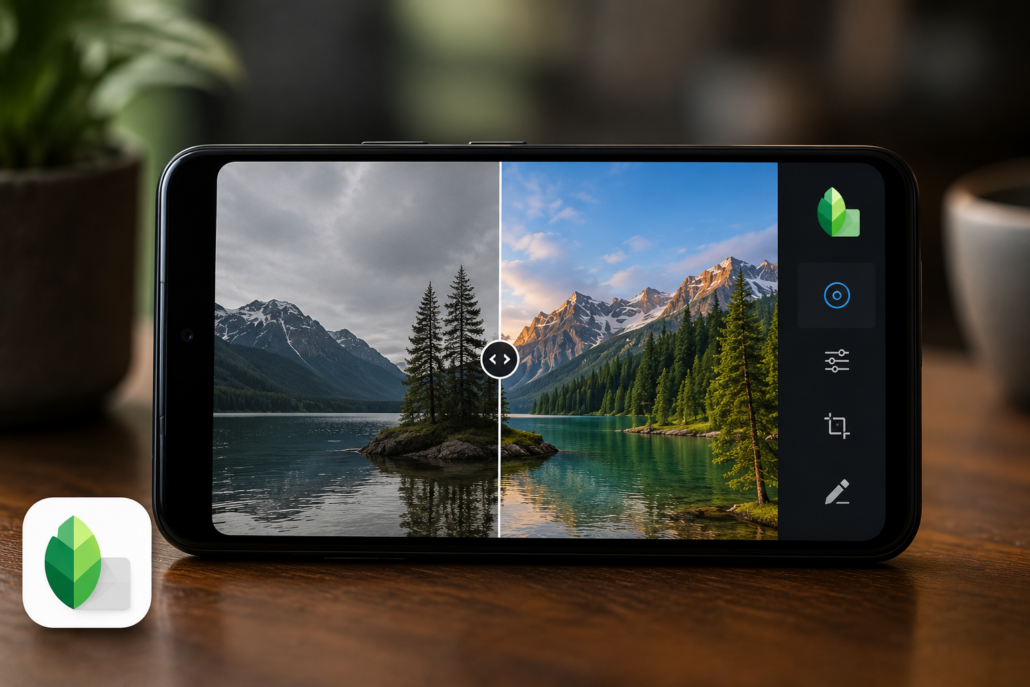
Android smartphone displaying a before-and-after landscape photo comparison edited with Snapseed selective adjustment and image enhancement tools.
Key Features
- Non-destructive editing
- Selective adjustment tools
- Healing and object removal
- Perspective correction
- HDR effects
- Curves adjustment
- RAW file support
Advantages
Snapseed combines simplicity with powerful editing capabilities. Its selective editing tools allow users to adjust specific areas of an image without affecting the entire photo. The intuitive interface makes advanced editing accessible even to beginners.
Ideal Users
- Hobby photographers
- Students
- Budget-conscious users
- Beginners learning photo editing
Limitations
While feature-rich, Snapseed lacks some of the latest AI-powered editing tools found in premium competitors.
3 PicsArt
Best for Creative Content Creation
PicsArt has evolved into a comprehensive creative platform that combines advanced photo editing, AI image generation, graphic design and social content creation.
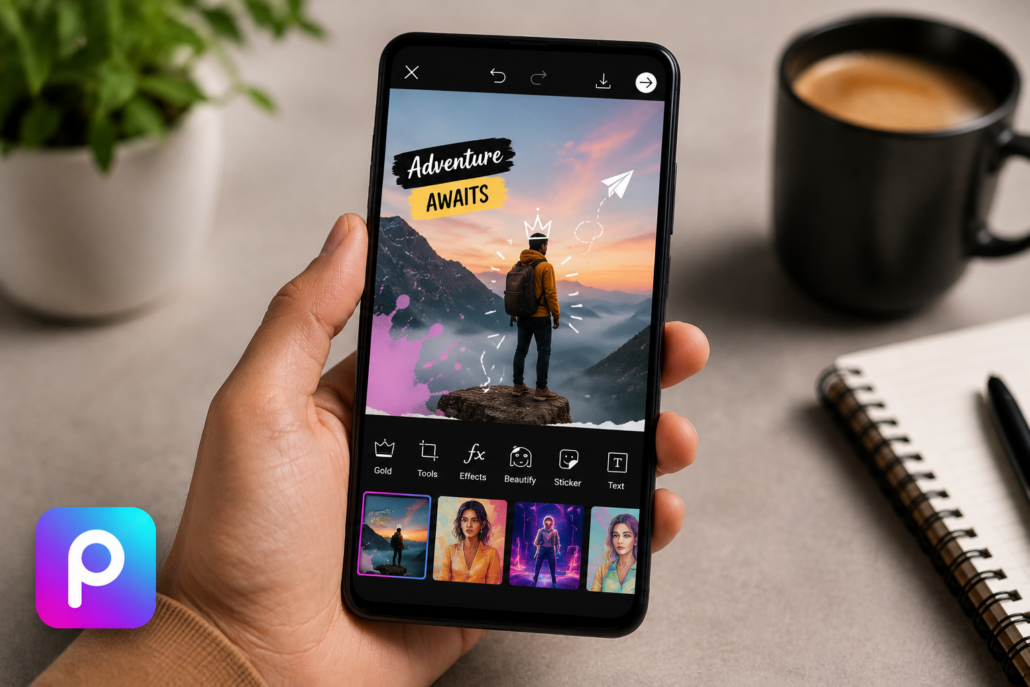
Content creator using PicsArt on an Android smartphone to design social media graphics with stickers, text overlays, AI effects and creative editing tools.
Key Features
- AI image enhancement
- Background removal
- Creative filters and effects
- Layer-based editing
- Text and sticker tools
- Collage creation
- AI avatar generation
Advantages
PicsArt excels at creating visually engaging content for social media platforms. Its extensive library of templates, effects and creative tools makes it easy to design eye-catching images for Instagram, YouTube, TikTok and other platforms.
The AI-powered editing features significantly reduce editing time while maintaining high-quality results.
Ideal Users
- Influencers
- Social media creators
- Digital marketers
- Graphic design beginners
Limitations
The free version contains advertisements and feature restrictions.
4 PhotoDirector
Best AI-Powered Photo Editing App
PhotoDirector has become a leading choice for users seeking AI-assisted photo editing. The app integrates advanced artificial intelligence with traditional editing tools, creating a highly efficient editing workflow.
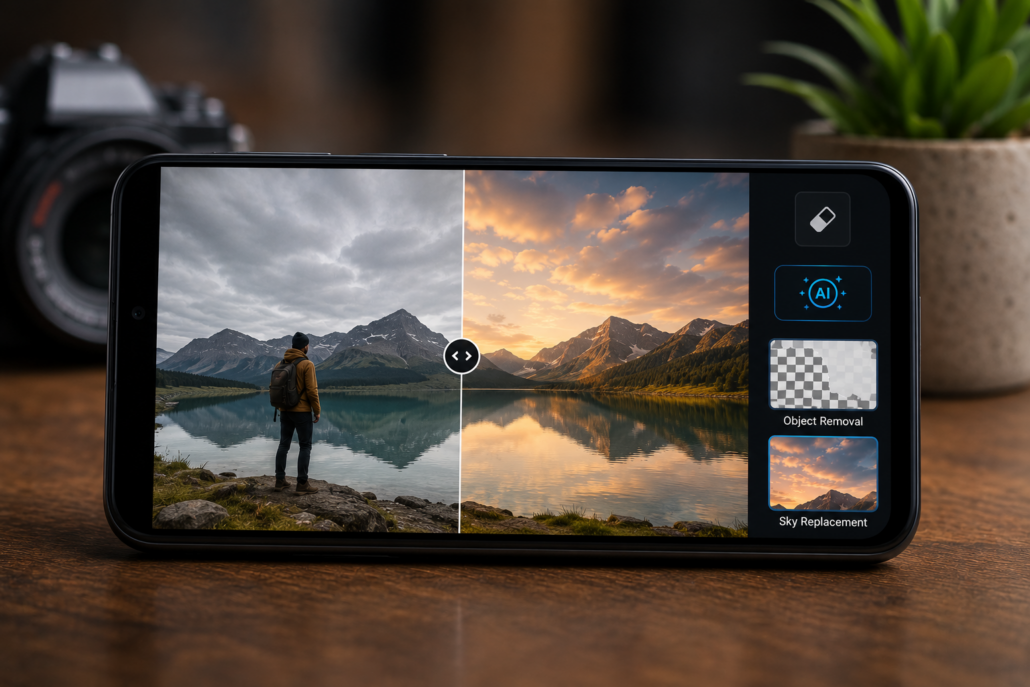
Android smartphone demonstrating PhotoDirector AI-powered object removal and sky replacement features with a before-and-after landscape photo comparison.
Key Features
- AI object removal
- AI image enhancement
- Sky replacement
- Face retouching tools
- Motion effects
- Animation features
- Generative AI editing
Advantages
PhotoDirector’s AI capabilities make complex edits remarkably easy. Users can remove unwanted objects, replace skies, enhance image quality and create artistic effects with just a few taps.
The app is particularly useful for users who want professional-looking results without spending hours learning advanced editing techniques.
Ideal Users
- Travel photographers
- Social media creators
- Casual photographers
- AI enthusiasts
Limitations
Some advanced AI tools require premium access.
5 Canva
Best for Photo Editing and Design Integration
Although Canva is traditionally known as a graphic design platform, its photo editing capabilities have expanded significantly in 2026. It now serves as a powerful all-in-one solution for editing photos and creating professional visual content.
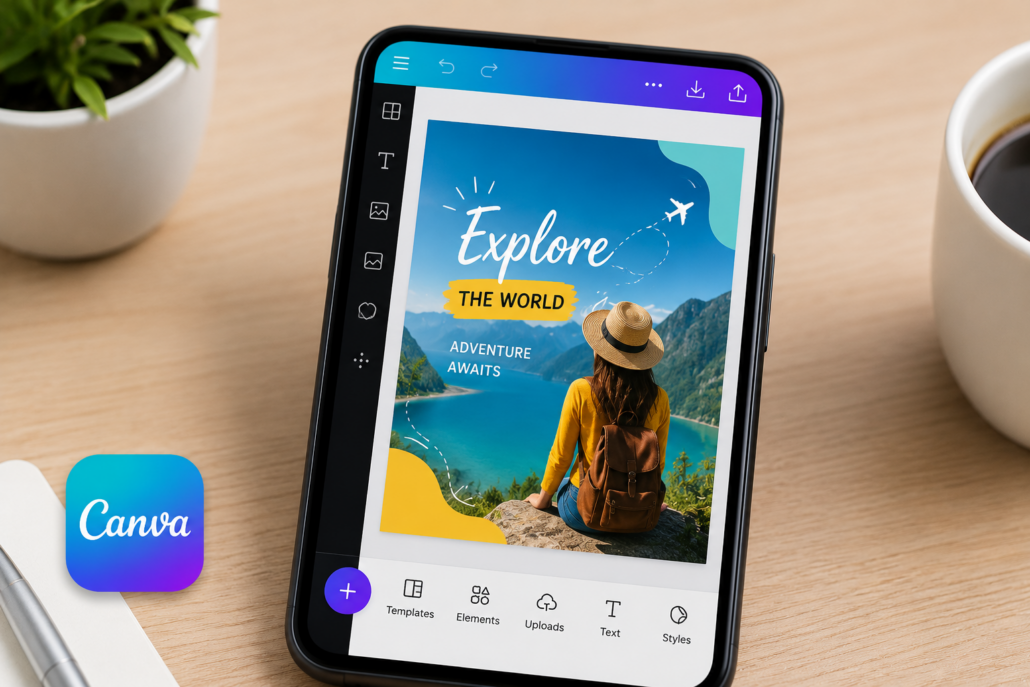
Android smartphone using Canva to edit a photo and transform it into a professional social media post template with design elements and text overlays.
Key Features
- AI image editing tools
- Background removal
- Magic Eraser
- Professional templates
- Brand kit management
- Social media design tools
- Collaborative editing
Advantages
Canva simplifies the process of transforming edited photos into complete visual projects. Users can edit images and instantly incorporate them into social media posts, presentations, advertisements or marketing materials.
Its drag-and-drop interface is beginner-friendly while still offering advanced features for professionals.
Ideal Users
- Business owners
- Marketing professionals
- Social media managers
- Content creators
Limitations
Professional features require a premium subscription.
How to Choose the Right Photo Editing App
Selecting the best Android photo editor depends on your specific needs and editing style.
Choose Adobe Lightroom If:
- You need professional-grade editing tools.
- You frequently edit RAW files.
- You want precise control over every adjustment.
Choose Snapseed If:
- You want a completely free solution.
- You prefer a simple interface.
- You need powerful editing without subscriptions.
Choose PicsArt If:
- You create content for social media.
- You enjoy creative effects and graphics.
- You want both editing and design capabilities.
Choose PhotoDirector If:
- You prefer AI-assisted editing.
- You want quick professional results.
- You frequently edit travel and portrait photos.
Choose Canva If:
- You combine photo editing with graphic design.
- You manage business content.
- You need templates and branding tools.
Trends Shaping Android Photo Editing in 2026
The mobile editing industry continues to evolve rapidly. Several trends are influencing the development of photo editing apps:
Artificial Intelligence Integration
AI now handles tasks such as object removal, image enhancement, background replacement and automatic color correction with remarkable accuracy.
Generative Editing
Users can add, replace or extend image elements using generative AI technology, making complex edits accessible to everyone.
Cloud-Based Workflows
Many apps now synchronize projects across smartphones, tablets and desktops, improving productivity and collaboration.
Social Media Optimization
Editing tools increasingly include platform-specific templates and export settings optimized for Instagram, TikTok, YouTube and emerging social networks.
Advanced Mobile Processing
Modern Android devices provide sufficient processing power to support professional editing workflows that were once limited to desktop computers.
Final Thoughts
The best Android photo editing app in 2026 depends largely on your goals and editing experience. Adobe Lightroom remains the top choice for professional photographers seeking maximum control and image quality. Snapseed continues to offer exceptional value as the best free advanced editor. PicsArt shines for creative social media content, while PhotoDirector leads in AI-powered editing innovation. Canva rounds out the list by combining editing and design capabilities in one platform.
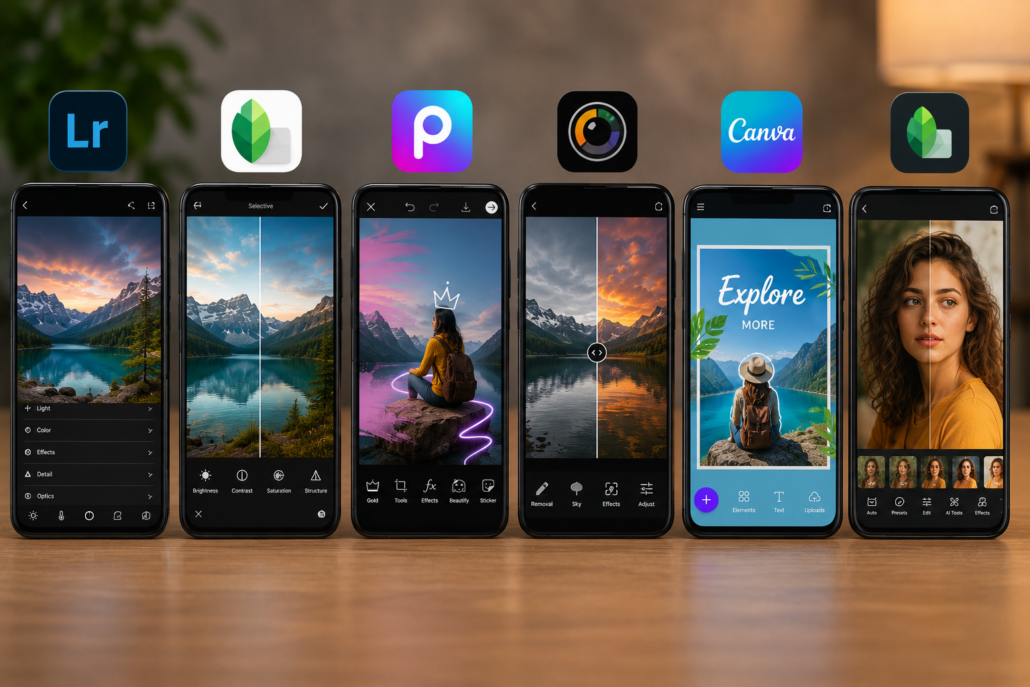
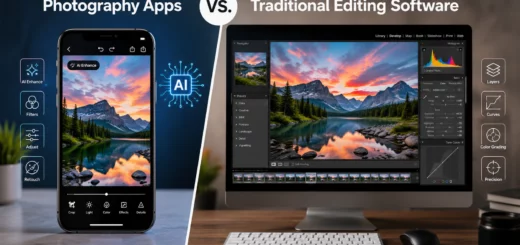
Multiple Android smartphones displaying professional photo editing apps with enhanced images, showcasing a comparison of the best Android photo editing tools in 2026.
As smartphone photography continues to improve, these powerful editing applications ensure that Android users can create professional-quality images directly from their mobile devices. Investing time in learning one or more of these apps can dramatically elevate your photography and content creation results.