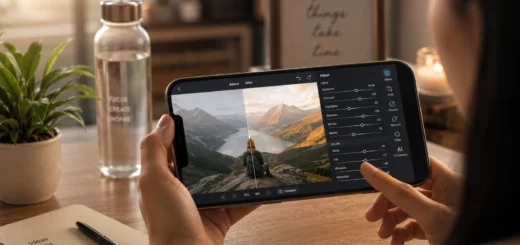
Photography Apps vs. Traditional Editing Software: Pros and Cons
Photography Apps vs. Traditional Editing Software is a comparison that has become increasingly relevant as smartphone cameras continue to improve. Today, anyone can capture high-quality photos and edit them within minutes using a mobile app. At the same time, professional photographers and designers still rely on powerful desktop editing software for detailed image enhancement and commercial projects.
Both options offer impressive capabilities, but they are designed for different users and workflows. Photography apps focus on speed, convenience and simplicity, while traditional editing software emphasizes precision, advanced features and maximum image quality.
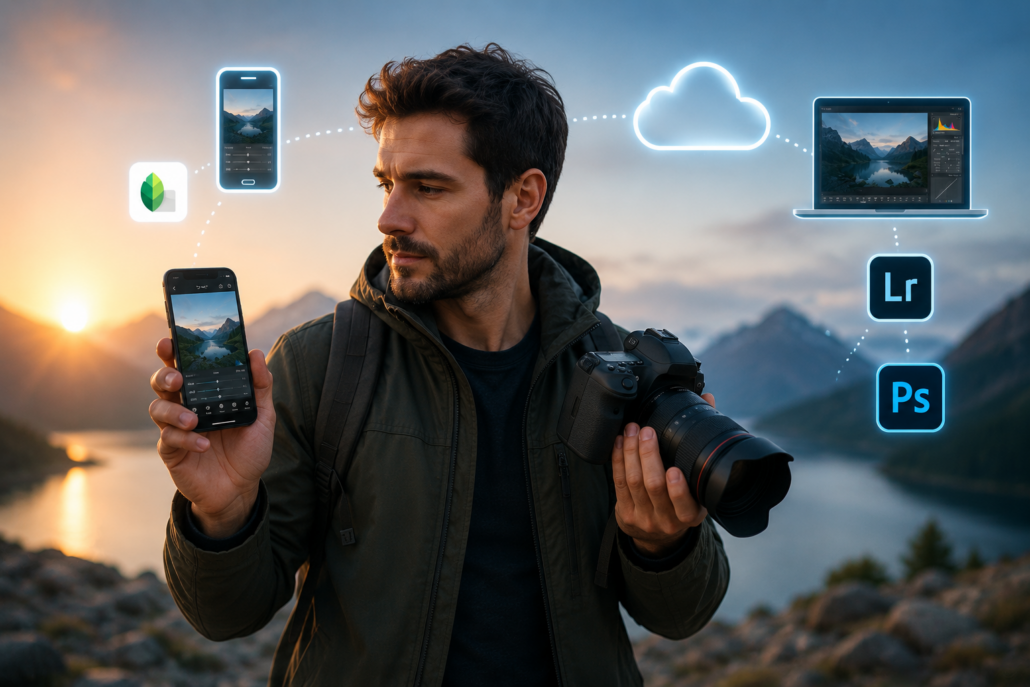
Modern photographer holding a smartphone and DSLR camera with cloud-connected photo editing tools representing mobile and desktop editing workflows.
If you’re unsure which solution is right for you, this guide explores the advantages, disadvantages and ideal use cases for both, helping you make an informed decision.
What are Photography Apps?
Photography apps are mobile applications that allow users to edit photos directly on smartphones or tablets. They are designed with user-friendly interfaces, making photo editing accessible even for beginners.
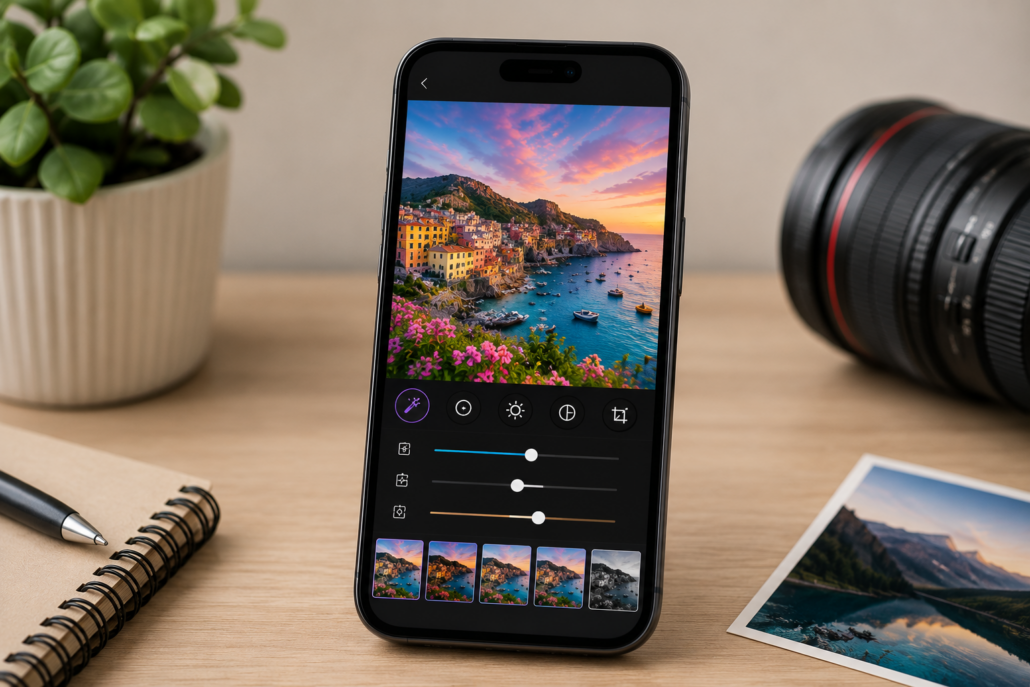
Smartphone displaying a photo editing app with AI-enhanced editing tools, portrait mode, filters and adjustment sliders while editing a colorful travel landscape photo.
Modern photography apps offer features like AI-powered enhancements, filters, portrait retouching, background removal, color correction, cropping and one-touch editing. Many also include cloud synchronization and direct sharing to social media platforms.
Popular photography apps include Adobe Lightroom Mobile, Snapseed, VSCO, PicsArt, Canva and Google Photos. Their ease of use makes them ideal for everyday photography, travel and content creation.
Pros of Photography Apps
Quick and Convenient Editing
One of the biggest advantages of photography apps is convenience. Users can capture a photo, edit it immediately and upload it to social media without transferring files to another device.
This streamlined workflow is especially useful for influencers, travelers, journalists and small business owners who regularly publish content online.
Beginner-Friendly Interface
Photography apps are designed for users with little or no editing experience. Most adjustments are controlled using simple sliders and intuitive menus, allowing users to improve photos without learning complex editing techniques.
Built-in tutorials and AI suggestions further simplify the editing process.
AI-Powered Features
Artificial intelligence has dramatically improved mobile editing apps over the past few years. Many apps can now automatically detect subjects, adjust exposure, enhance portraits, remove unwanted objects, reduce image noise and improve overall image quality with minimal effort.
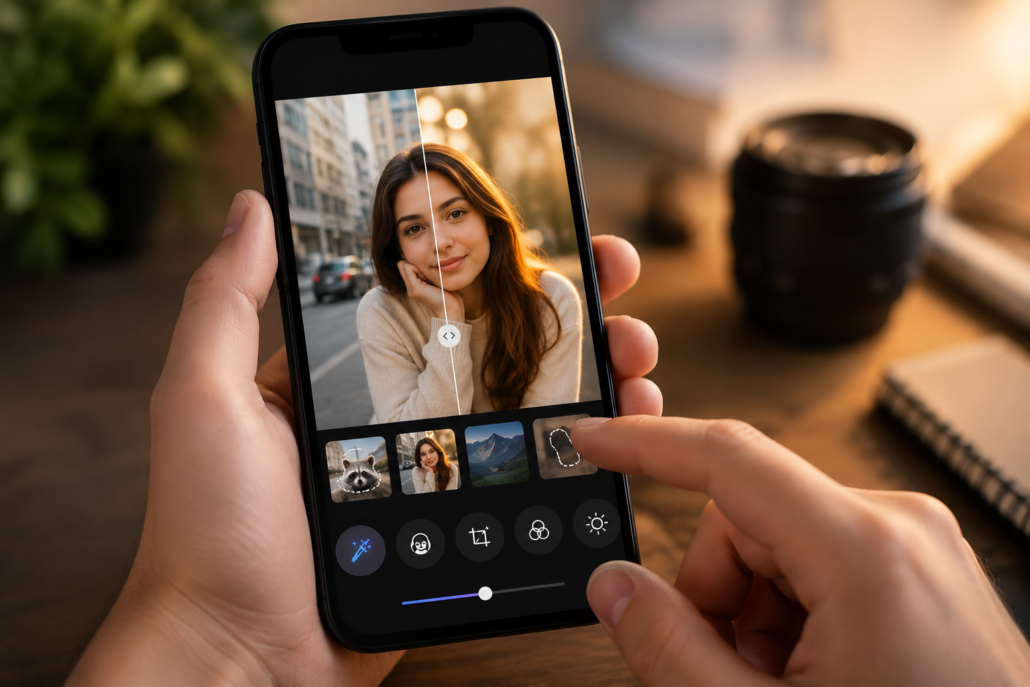
User editing a portrait on a smartphone using AI-powered photo editing tools with object removal, background blur, automatic enhancement and before-and-after image comparison.
AI significantly reduces editing time while producing impressive results.
Affordable Pricing
Many photography apps offer free versions with powerful editing features. Premium subscriptions are generally inexpensive compared to professional desktop software.
This affordability makes photography apps attractive for hobbyists, students and casual photographers who want quality editing without investing in expensive software.
Excellent for Social Media
Photography apps are optimized for platforms like X, YouTube, Instagram, Facebook, TikTok and Pinterest. They include templates, aspect ratio presets, text overlays and quick export options that simplify content creation.
For creators focused primarily on social media, mobile apps provide everything needed for fast publishing.
Cons of Photography Apps
Limited Advanced Editing
Although mobile apps continue to improve, they still cannot fully replace professional editing software. Features such as detailed layer management, advanced masking, complex compositing and precision retouching remain limited on mobile platforms.
Professional commercial projects often require capabilities beyond what mobile apps can provide.
Smaller Screen Size
Editing on a smartphone display limits visibility of fine details. Small imperfections in skin retouching, object removal, or sharpening may go unnoticed until the image is viewed on a larger monitor.
For critical editing work, larger screens offer a significant advantage.
Reduced File Organization
Professional photographers often manage tens of thousands of images. Desktop software provides advanced cataloging systems, while most photography apps offer relatively basic file organization.
Managing large photo libraries is generally much easier on a computer.
Device Limitations
High-resolution editing can consume considerable processing power, storage space and battery life. Older smartphones may experience slower performance when editing large files or applying AI-powered enhancements.
What is Traditional Editing Software?
Traditional editing software refers to desktop or laptop applications developed for advanced photo editing. These programs provide significantly greater control over images and are widely used by professional photographers, graphic designers, marketing agencies and creative studios.
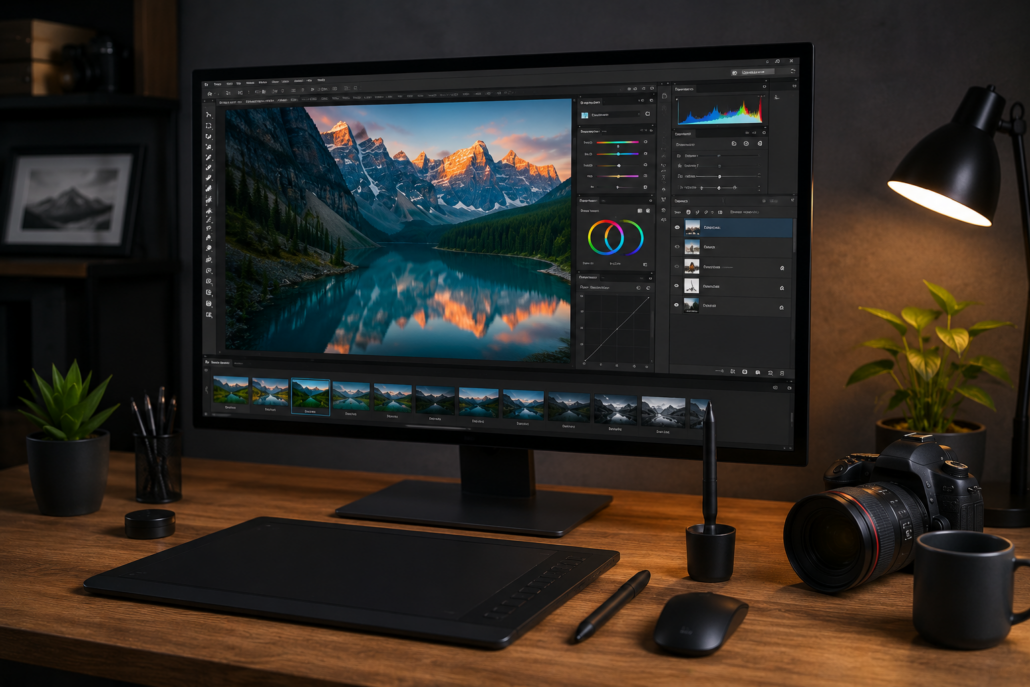
Large desktop monitor displaying advanced photo editing software with layers, color grading panels, curves and RAW editing tools beside a graphics tablet in a professional editing workspace.
Applications such as Adobe Photoshop, Adobe Lightroom Classic, Capture One, Affinity Photo and GIMP allow users to perform complex editing tasks that go far beyond basic adjustments.
These programs support high-resolution images, RAW file processing, advanced color grading, layer-based editing and professional retouching, making them the preferred choice for commercial work.
Pros of Traditional Editing Software
Maximum Creative Control
Traditional editing software provides complete control over every aspect of an image. Users can perform detailed adjustments using layers, masks, curves, blending modes, selective edits and advanced color grading tools.
This level of precision is essential for professional photography and graphic design.
Superior RAW Processing
Professional cameras capture RAW files that preserve significantly more image information than compressed JPEG files. Desktop software extracts maximum detail from RAW images while maintaining excellent highlight and shadow recovery.
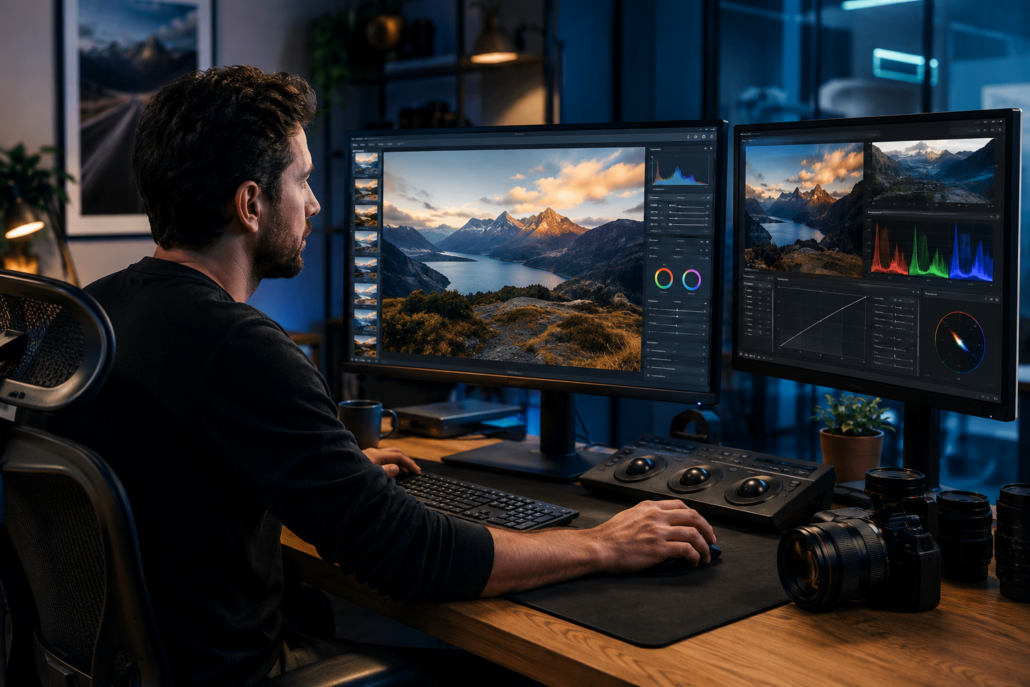
Professional photographer editing a high-resolution RAW landscape image on a dual-monitor workstation using advanced color grading tools and professional photo editing software.
The result is greater image quality and editing flexibility.
Professional Workflow
Desktop editing software supports efficient workflows through batch editing, presets, metadata management, keyword tagging, collections and smart catalogs.
These tools help photographers organize and process thousands of images quickly and consistently.
High-Resolution Editing
Professional software handles extremely large image files without sacrificing quality. This is particularly important for commercial printing, advertising campaigns, magazines, billboards and large-format photography.
Extensive Plugin Support
Many desktop applications support third-party plugins that extend editing capabilities. These plugins can improve noise reduction, AI upscaling, portrait enhancement, sky replacement, HDR processing and many other specialized tasks.
Cons of Traditional Editing Software
Steeper Learning Curve
Professional editing software contains hundreds of tools and settings, making it more challenging for beginners. Learning advanced workflows requires time, patience and regular practice.
Users who only perform basic edits may find the software unnecessarily complicated.
Higher Cost
Professional editing software often requires monthly subscriptions or expensive one-time purchases. In addition to software costs, users may need high-performance computers, color-accurate monitors, external storage devices and backup systems.
These investments can significantly increase the overall cost.
Less Portable
Desktop editing software is generally limited to computers. Although laptops provide mobility, they cannot match the convenience of editing photos directly on a smartphone while traveling or attending events.
Longer Editing Process
Professional editing typically involves importing files, organizing folders, making detailed adjustments, exporting images and creating backups. Although this workflow produces exceptional results, it requires more time than mobile editing.
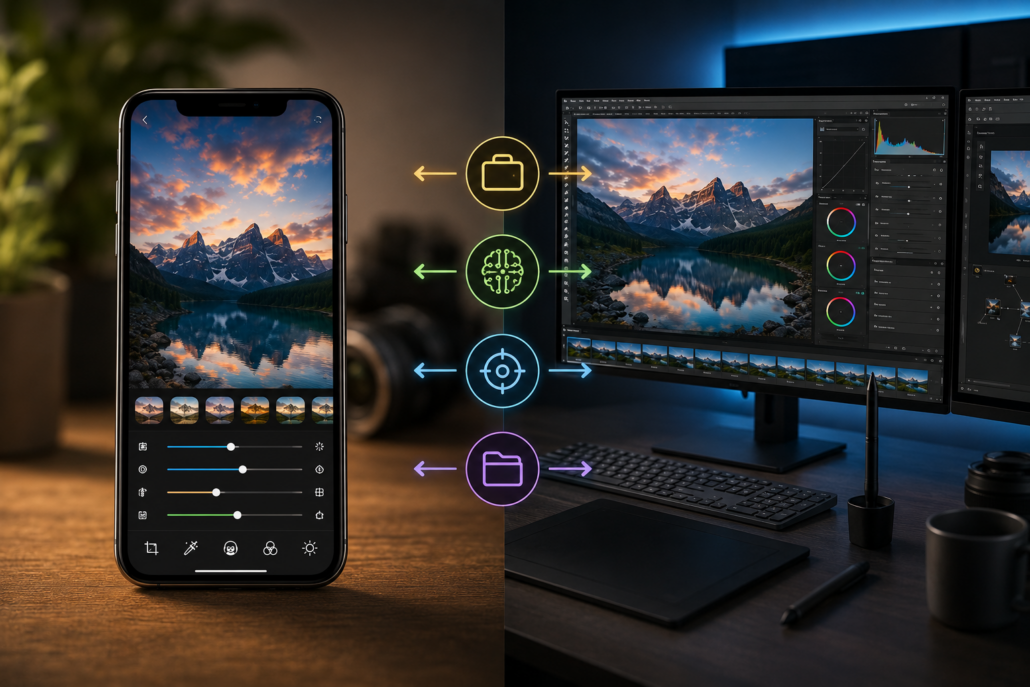
Side-by-side comparison of a smartphone photo editing app and a desktop photo editing workstation, illustrating differences in portability, AI-powered editing, precision and professional workflow.
Photography Apps vs. Traditional Editing Software: Feature Comparison
| Feature | Photography Apps | Traditional Editing Software |
|---|---|---|
| Ease of Use | Excellent | Moderate |
| Learning Curve | Easy | Steeper |
| Editing Speed | Very Fast | Moderate |
| AI Features | Excellent | Excellent |
| Advanced Editing | Limited | Extensive |
| RAW Processing | Good | Outstanding |
| Layer Editing | Basic | Advanced |
| Portability | Excellent | Limited |
| Cost | Budget-Friendly | More Expensive |
| Professional Output | Good | Exceptional |
Which Option Should Beginners Choose?
Photography apps are the best starting point for most beginners. They provide powerful editing tools without overwhelming users with complex settings. Learning basic concepts such as exposure, contrast, saturation, white balance and cropping becomes much easier through intuitive mobile interfaces.
As editing skills improve, users can gradually transition to desktop software if they require more advanced capabilities.
Which Option is Better for Professionals?
Professional photographers, commercial designers, advertising agencies and publishing companies generally benefit more from traditional editing software. These applications provide unmatched precision, advanced workflow management and the ability to produce high-quality results suitable for commercial projects.
For professionals, the additional features justify the higher cost and learning curve.
Is Using Both the Best Solution?
For many photographers, the ideal workflow combines both platforms. Mobile apps are perfect for quick edits, client previews and social media content, while desktop software is used for detailed retouching, color correction and final image production.
This hybrid approach offers the convenience of mobile editing without sacrificing professional quality.
Future of Photo Editing
Artificial intelligence is rapidly narrowing the gap between photography apps and traditional editing software. Mobile devices are becoming more powerful each year, enabling advanced features that were once available only on desktop computers.
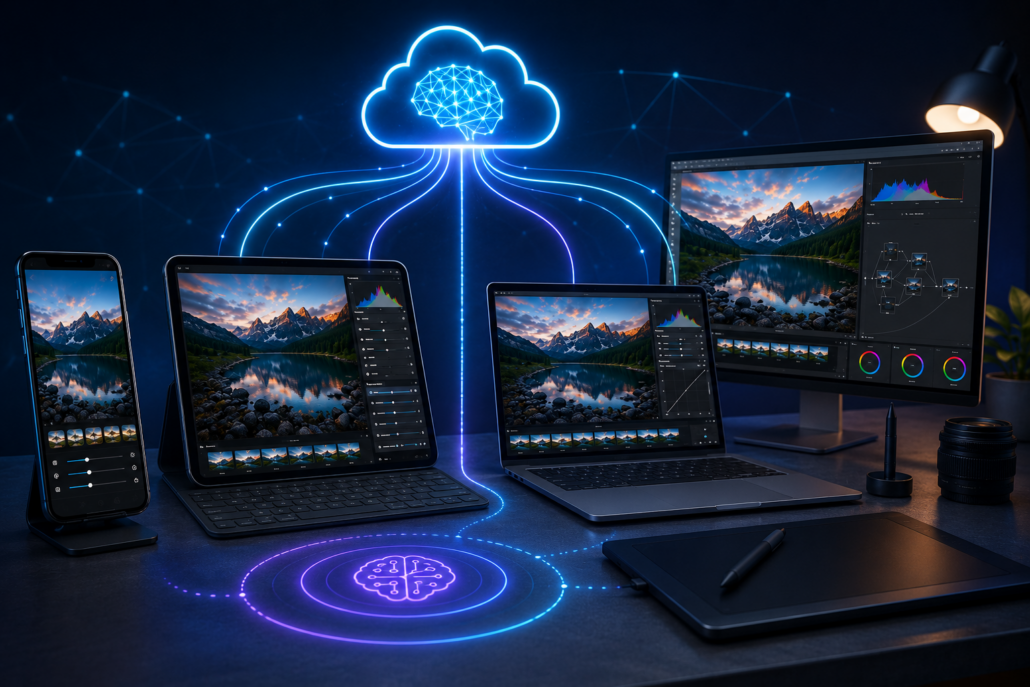
Futuristic photo editing workspace with a smartphone, tablet, laptop and desktop computer synchronizing image edits through AI-powered enhancements and cloud-based collaboration.
Future developments are expected to include smarter AI-assisted editing, real-time cloud collaboration, voice-controlled adjustments, automated object replacement and seamless editing across multiple devices. While photography apps will continue evolving, traditional editing software is likely to remain the preferred choice for projects requiring maximum precision and creative control.
Conclusion
The debate over Photography Apps vs. Traditional Editing Software ultimately comes down to your editing needs, experience level and workflow. Photography apps excel in speed, affordability, portability and ease of use, making them an excellent choice for beginners, travelers, influencers and everyday users. Traditional editing software, on the other hand, offers unmatched precision, advanced creative tools, professional workflow management and superior image quality for commercial and professional photography.
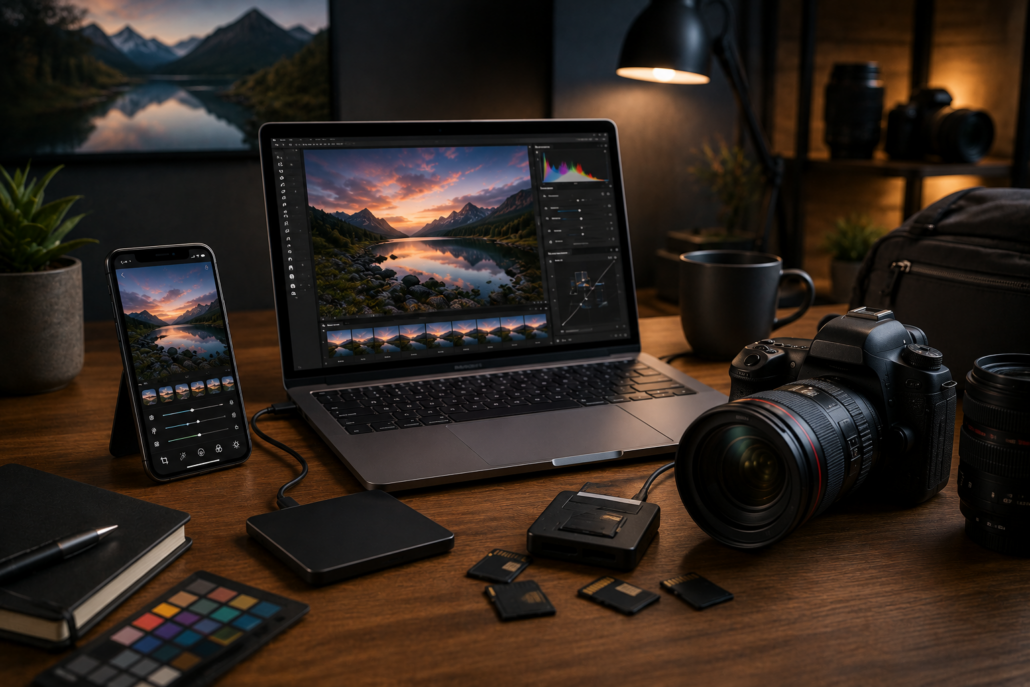
Creative photography workspace featuring a smartphone, laptop, DSLR camera, memory cards and photo editing accessories, representing the combination of mobile editing apps and professional desktop software.
Rather than viewing these options as competitors, many photographers now use both to maximize productivity. Mobile apps handle quick edits and social media publishing, while desktop software is reserved for detailed enhancements and professional projects. By understanding the strengths and limitations of each, you can choose the editing solution-or combination of tools-that best supports your creative goals.