Gaming Desktops vs Workstations Compared: Which PC is Right for You?
Choosing between a gaming desktop and a professional workstation can be challenging because both types of computers offer powerful hardware, high performance, and plenty of upgrade potential. However, they are designed for very different workloads.
A gaming desktop is optimized primarily for real-time graphics, high frame rates, gaming, and entertainment. A workstation, on the other hand, is built for demanding professional applications such as 3D rendering, engineering simulations, video production, scientific computing, and complex data analysis.
Table of Contents
- Gaming Desktops vs Workstations: The Main Difference
- Processor Performance
- Graphics Cards: Gaming GPU vs Professional GPU
- RAM and Memory Capacity
- Storage: Speed vs Capacity
- Cooling and Sustained Performance
- Reliability and Professional Certification
- Gaming Desktops vs Workstations for 3D Rendering
- Gaming Desktops vs Workstations for Video Editing
- Gaming Performance
- Upgradeability and Customization
- Price and Value
- Which One Should You Buy?
- Gaming Desktops vs Workstations: Final Verdict
Gaming Desktops vs Workstations: The Main Difference
The biggest difference between gaming desktops and workstations is their intended workload.
Gaming desktops are designed to deliver excellent performance in games. They typically prioritize powerful GPUs, fast processors, high-speed memory, and cooling systems capable of handling sustained gaming sessions. Components are often selected to maximize performance per dollar.
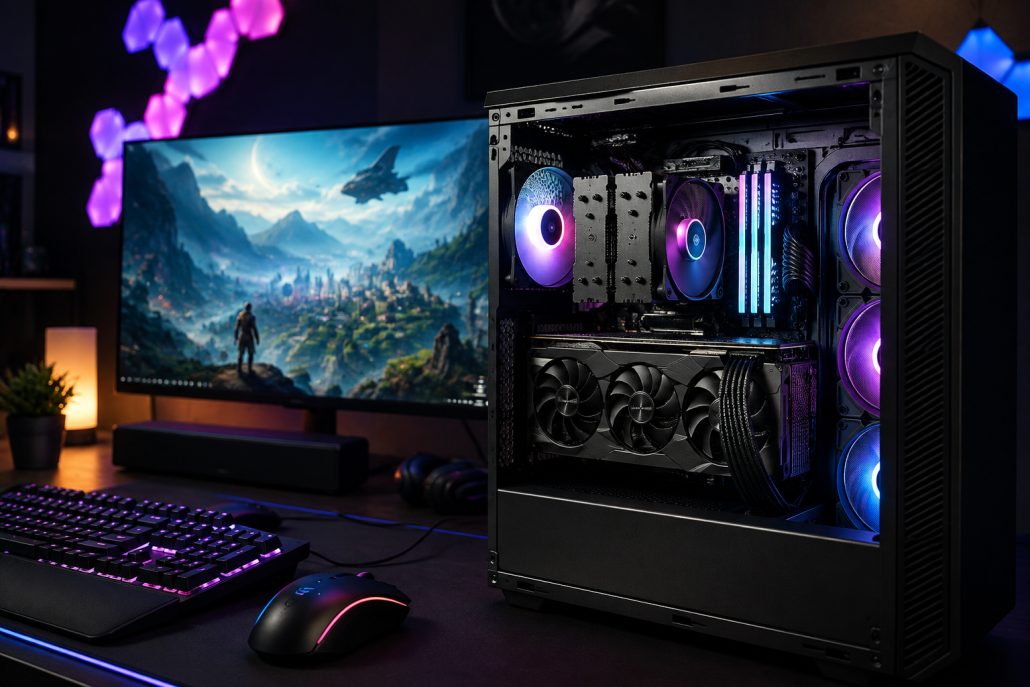
Gaming desktop with exposed internal components including graphics card, CPU cooler, RAM, motherboard, and cooling fans.
Workstations are designed for professional workloads where stability, accuracy, reliability, and compatibility can be just as important as raw performance. They may use professional graphics cards, workstation-class processors, large amounts of ECC memory, and components certified for specific professional applications.
In simple terms, gaming desktops focus on speed and frame rates, while workstations focus on professional performance, reliability, and specialized workloads.
Processor Performance
The processor is important in both systems, but the ideal CPU depends heavily on what you are doing.
Gaming desktops generally benefit from CPUs with strong single-core and gaming performance. Modern games can also take advantage of multiple CPU cores, particularly when streaming, recording gameplay, or running background applications.
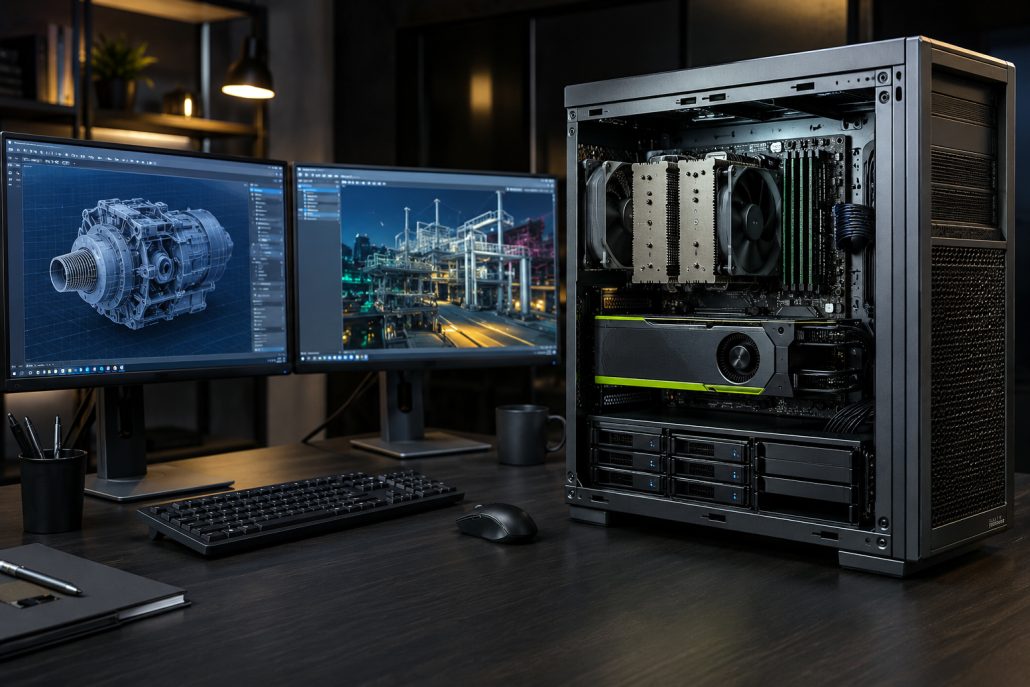
Professional workstation with exposed CPU cooler, graphics card, RAM, motherboard, storage drives, and dual CAD monitors.
Workstations often prioritize high core counts and sustained multi-threaded performance. Applications such as 3D rendering, video encoding, CAD, simulation, and scientific workloads can benefit significantly from additional CPU cores and threads.
For example, someone playing competitive games may benefit more from a processor optimized for high gaming performance, while a 3D artist rendering complex scenes may prefer a workstation CPU with considerably more processing resources.
Graphics Cards: Gaming GPU vs Professional GPU
Graphics processing is one of the most noticeable differences between these two PC categories.
Gaming desktops typically use consumer graphics cards designed to deliver high frame rates and excellent real-time graphics. Features such as ray tracing, upscaling, and frame-generation technologies can improve gaming performance and visual quality.
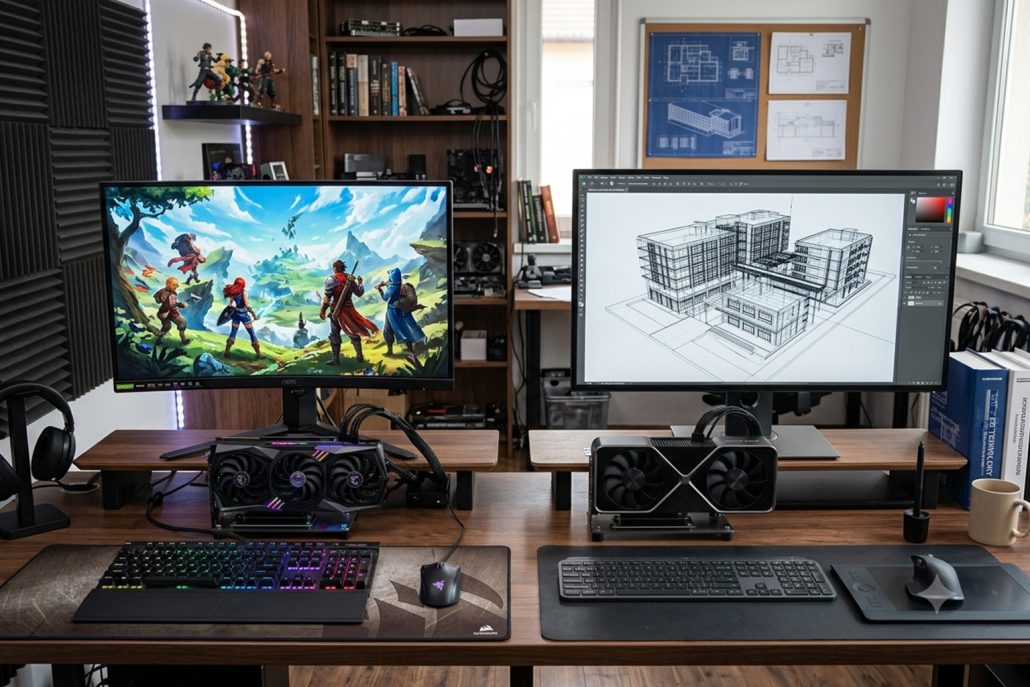
A side-by-side comparison of two technology workspaces on a wooden desk. The left side features a gaming graphics card with RGB lighting, a curved gaming monitor, and colorful peripherals. The right side features a professional workstation graphics card, a monitor displaying a 3D architectural wireframe model, and a graphics tablet with clean office accessories.
Workstations can use professional graphics cards designed specifically for applications such as computer-aided design, 3D modeling, simulation, scientific visualization, and professional content creation.
Professional GPUs often emphasize driver stability, application compatibility, and accuracy rather than simply maximizing gaming frame rates.
That does not mean workstation GPUs are always faster. A high-end gaming graphics card can outperform a professional GPU in many gaming workloads. Conversely, a workstation graphics card may provide important advantages in certified professional applications.
RAM and Memory Capacity
Gaming desktops usually come with enough RAM for modern games, multitasking, streaming, and everyday applications. Depending on the system, 16GB or 32GB can be suitable for many users, while enthusiasts may choose 64GB or more.
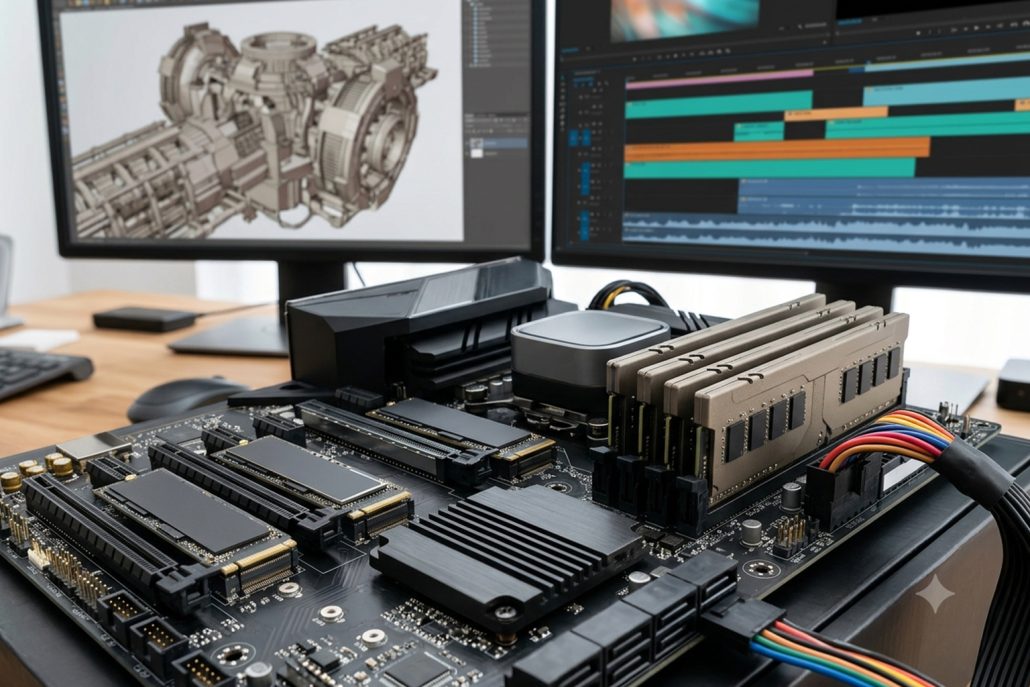
Close-up of a desktop motherboard equipped with high-capacity RAM modules and multiple NVMe SSDs, with dual monitors displaying a 3D CAD model and a video editing timeline in the background.
Workstations can require substantially more memory. Professional applications involving large datasets, complex simulations, high-resolution video, virtual machines, or large 3D scenes can consume enormous amounts of RAM.
Another important consideration is ECC memory. Error-Correcting Code memory can detect and correct certain types of memory errors. This can be particularly valuable for professional workloads where data integrity and system stability are critical.
For ordinary gaming, ECC support is usually not a primary requirement.
Storage: Speed vs Capacity
Both gaming desktops and workstations benefit from fast SSD storage.
A gaming desktop with a fast NVMe SSD can significantly reduce operating-system boot times, application loading, and game loading. Additional storage can be added for large game libraries.
Workstations may require more sophisticated storage configurations because professional projects can involve extremely large files. Video editors, engineers, architects, researchers, and 3D artists may need multiple high-capacity SSDs or a combination of SSD and HDD storage.
Workstations may also use storage configurations designed around redundancy, backup, or high sustained data-transfer performance.
For professional users, storage reliability and data protection can be more important than simply having the fastest benchmark results.
Cooling and Sustained Performance
High-performance computers generate significant heat, making cooling important for both categories.
Gaming desktops commonly use large air coolers, liquid cooling systems, multiple case fans, and airflow-focused cases. These systems are designed to maintain high performance during extended gaming sessions.
Workstations also require robust cooling, particularly when processors and GPUs are running professional workloads continuously for hours.
A workstation intended for rendering or simulation may be designed specifically for sustained workloads rather than short bursts of peak performance.
This distinction matters because a computer that performs exceptionally well for a few minutes may not maintain the same performance during a long rendering or simulation job.
Reliability and Professional Certification
Reliability is one area where workstations can have a significant advantage.
Professional workstation hardware is often designed and tested for demanding business environments. Some systems are certified for specific professional software applications, helping organizations ensure compatibility and stability.
This can be particularly important in industries such as engineering, architecture, healthcare, manufacturing, media production, and scientific research.
Gaming desktops can also be extremely reliable when built with quality components. However, their hardware and drivers are generally optimized around consumer applications and gaming rather than specialized professional certification.
If a computer failure could delay a professional project or cost a business significant time, workstation-class hardware may justify its higher price.
Gaming Desktops vs Workstations for 3D Rendering
For 3D rendering, the right choice depends on the rendering engine and workflow.
GPU-based rendering can benefit from powerful graphics hardware with large amounts of VRAM. A high-end gaming desktop can therefore be an excellent rendering machine for many independent creators.
Workstations can offer advantages through professional GPUs, large memory capacities, powerful CPUs, and application certifications.
If you primarily create 3D models but also spend considerable time gaming, a high-end gaming desktop may offer better versatility. If your computer is primarily a professional 3D production machine, workstation hardware may be more appropriate.
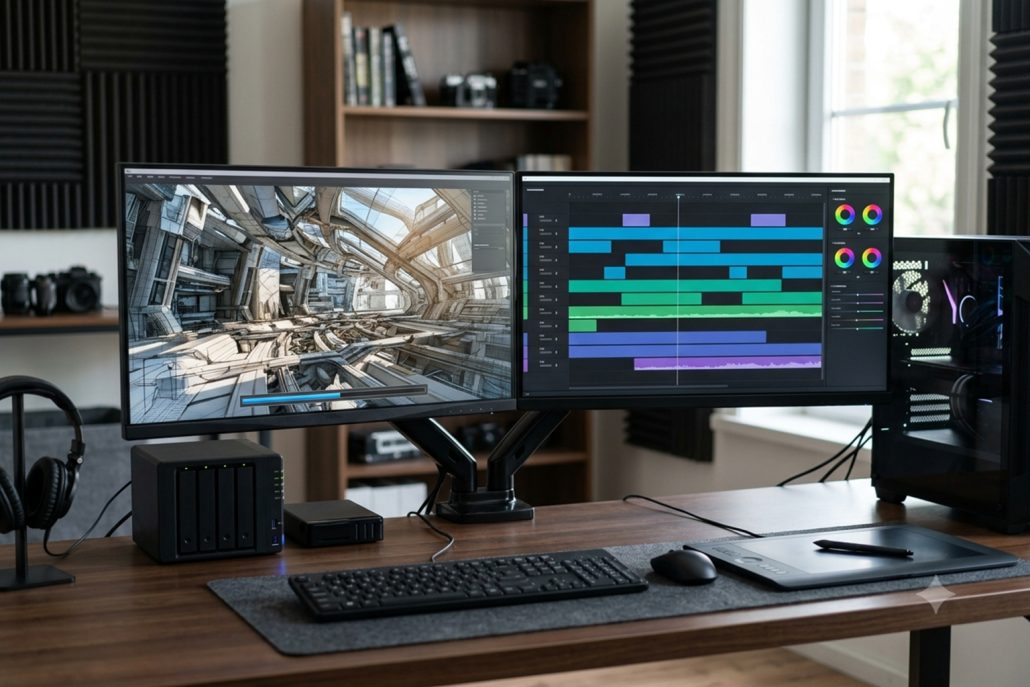
A dual-monitor content creation workstation with a desktop PC tower, drawing tablet, and external storage on a wooden desk.
Gaming Desktops vs Workstations for Video Editing
Video editing is another area where the difference is not always straightforward.
A powerful gaming desktop can be an excellent video-editing computer because modern editing applications benefit from fast CPUs, capable GPUs, plenty of RAM, and fast SSDs.
For enthusiasts and independent creators, gaming hardware can provide an attractive balance between creative performance and entertainment.
Professional workstations become more compelling when working with extremely high-resolution footage, complex effects, large projects, extensive color grading, or demanding production pipelines.
Storage capacity also becomes increasingly important as video files can consume hundreds of gigabytes or even terabytes.
Gaming Performance
If gaming is your primary goal, a gaming desktop is usually the better choice.
Gaming systems are built around graphics performance, high refresh rates, low latency, and gaming-specific features. They also offer a wider selection of components at different price levels.
A workstation can certainly run games, especially when equipped with powerful graphics hardware. However, buying an expensive workstation purely for gaming can result in poor value.
You could end up paying for professional features that provide little benefit in games.
Upgradeability and Customization
Gaming desktops generally have strong customization options.
Users can upgrade the graphics card, processor, memory, storage, cooling system, power supply, and other components depending on motherboard and case compatibility.
Many enthusiast gaming PCs are built specifically with future upgrades in mind.
Workstations can also be upgraded, but compatibility requirements may be more restrictive. Professional systems may use specialized motherboards, power supplies, memory configurations, or graphics cards.
For users who enjoy building and upgrading their own PC, a gaming desktop can therefore offer greater flexibility.
Price and Value
Price is another major consideration in the gaming desktops vs workstations debate.
Gaming desktops are available across a broad range of budgets. You can start with an affordable gaming PC and gradually upgrade individual components.
Workstations can become significantly more expensive as you add professional GPUs, high-core-count processors, large amounts of ECC memory, enterprise-oriented storage, and other specialized hardware.
However, workstation pricing should be evaluated based on productivity rather than gaming performance alone.
If a workstation saves a professional several hours every week through faster rendering, simulation, or data processing, the additional investment could make financial sense.
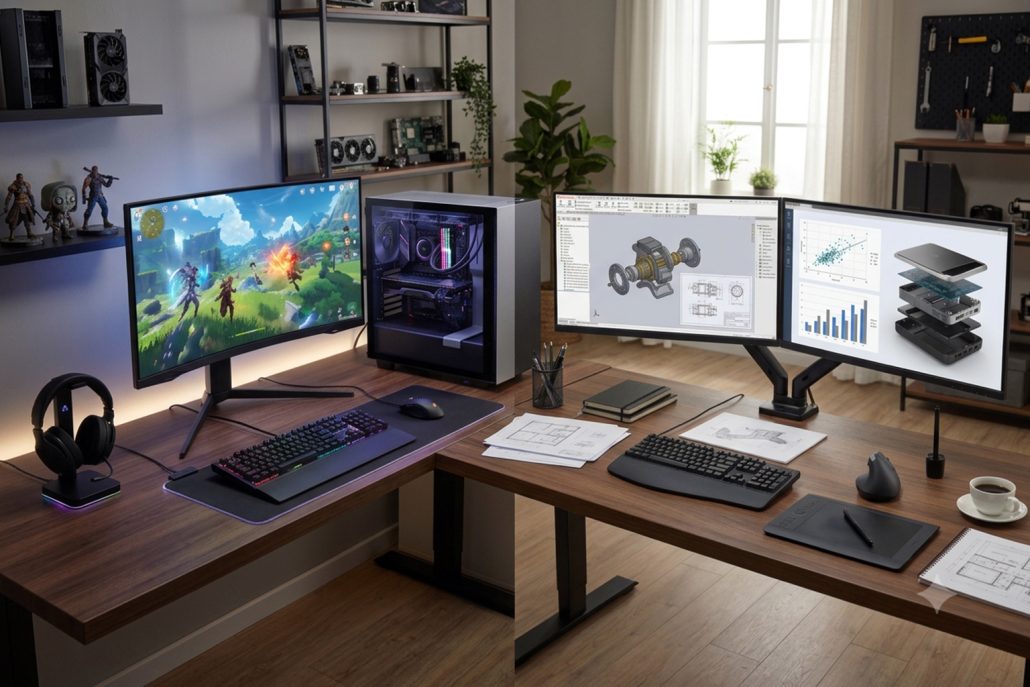
A wide-angle view of a dual-purpose desk setup in a home office. The left side features a gaming PC with an ultrawide curved monitor and RGB peripherals. The right side is a professional workstation with dual monitors, a graphics tablet, and an ergonomic mouse.
Which One Should You Buy?
The right choice ultimately depends on your workload.
Choose a gaming desktop if you:
- Primarily play PC games
- Want high frame rates and modern gaming features
- Also want to stream or record gameplay
- Need a versatile home computer
- Want extensive hardware customization
- Want strong performance for the money
Choose a workstation if you:
- Work with CAD or engineering software
- Create complex 3D models and simulations
- Perform professional rendering
- Edit large and demanding video projects
- Work with scientific or technical datasets
- Need large memory capacities
- Prioritize reliability and professional software certification
There is also a third option: a high-end desktop that sits between gaming and workstation categories. Such a system can combine a powerful consumer CPU, high-end GPU, large memory capacity, fast NVMe storage, and professional-grade cooling. This can be an excellent solution for creators who want one PC for both work and gaming.
Gaming Desktops vs Workstations: Final Verdict
When comparing gaming desktops vs workstations, neither category is universally better. They are optimized for different priorities.
A gaming desktop is generally the better choice for gamers, enthusiasts, streamers, and users who want strong all-around performance and upgrade flexibility. A workstation makes more sense for professionals who depend on demanding applications, large datasets, specialized graphics capabilities, memory reliability, and long-term stability.
Before buying, consider the applications you use most often rather than focusing solely on specifications. A workstation may be excessive for someone who mainly plays games, while a gaming PC may not provide the reliability or specialized hardware required for professional engineering, scientific, or production workloads.
Ultimately, the best desktop is the one that matches your actual workload, budget, and future upgrade plans.