GPU Hierarchy: Complete Performance Ranking Guide for Gamers and Creators (2026)
Choosing the right graphics card has become more challenging than ever. With dozens of GPUs available from NVIDIA, AMD and Intel, comparing performance can quickly become confusing. This is where a GPU hierarchy becomes incredibly useful.
Table of Contents
- What is GPU Hierarchy?
- Why GPU Hierarchy Matters
- Understanding GPU Performance Tiers
- Factors That Influence GPU Rankings
- GPU Hierarchy by Gaming Resolution
- GPU Hierarchy for Content Creators
- Should You Buy the Highest-Ranked GPU?
- Tips for Using GPU Hierarchy When Shopping
- Future Trends in GPU Performance
- Conclusion
A GPU hierarchy ranks graphics cards according to their real-world performance, making it easier to compare different models across price ranges and generations. Whether you’re building a gaming PC, upgrading an existing system, editing videos or exploring AI applications, understanding GPU rankings helps you make smarter buying decisions.
What is GPU Hierarchy?
GPU hierarchy is a structured ranking system that organizes graphics cards based on their overall performance. Instead of comparing specifications like CUDA cores, Stream Processors or memory bandwidth individually, a hierarchy evaluates how GPUs perform across various workloads such as:
- Gaming
- Ray tracing
- Video editing
- 3D rendering
- AI acceleration
- Professional applications
This approach gives buyers a much clearer picture of how one graphics card compares with another.
Why GPU Hierarchy Matters
Looking only at specifications rarely tells the complete story. Two graphics cards may have similar VRAM capacity but deliver vastly different gaming performance. Likewise, newer architectures often outperform older GPUs despite having seemingly similar specifications. A GPU hierarchy helps users:
- Compare graphics cards quickly
- Understand performance differences
- Identify better value options
- Avoid overpaying for unnecessary performance
- Match a GPU with their monitor resolution and workload
Instead of relying solely on marketing claims, buyers can make informed purchasing decisions.
Understanding GPU Performance Tiers
Most GPU hierarchy charts divide graphics cards into several performance categories.
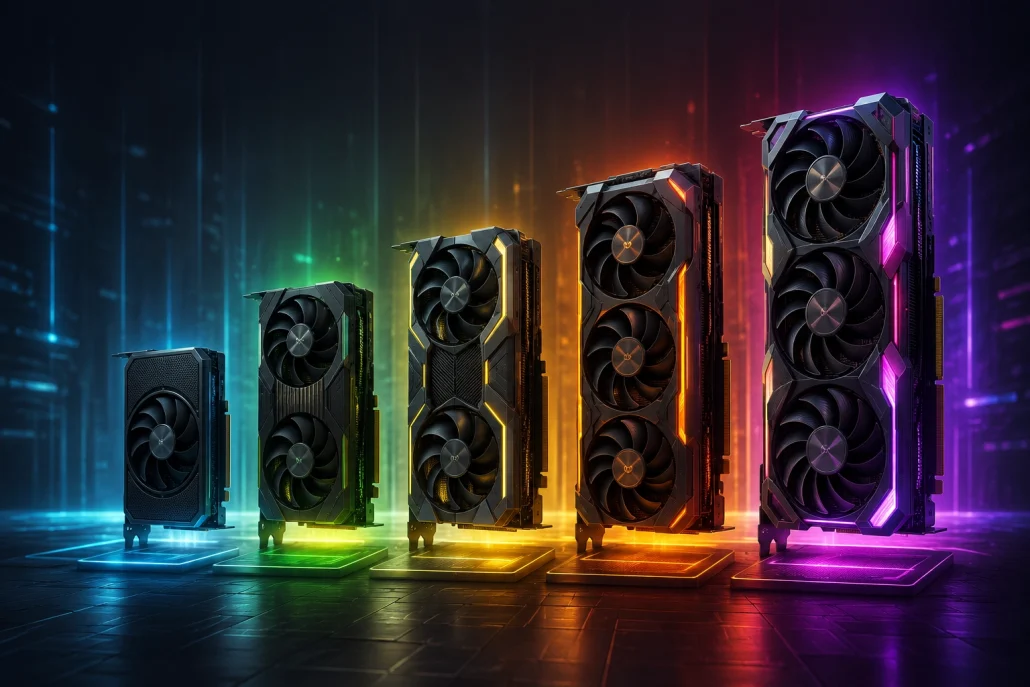
Graphics cards arranged from entry-level to enthusiast class to represent GPU performance tiers.
Enthusiast Tier
These represent the fastest consumer GPUs available. They are designed for:
- Native 4K gaming
- High refresh rate gaming
- Professional rendering
- AI development
- Heavy creative workloads
- Advanced ray tracing
These GPUs typically command premium prices but offer industry-leading performance.
High-End Tier
High-end graphics cards are ideal for gamers who want exceptional performance without purchasing flagship models. These GPUs excel at:
- 1440p Ultra gaming
- Entry-level 4K gaming
- Video editing
- Streaming
- Creative production
For many enthusiasts, this tier offers the best balance between price and performance.
Upper Mid-Range Tier
This category remains one of the most popular among gamers. Upper mid-range GPUs comfortably handle:
- 1440p gaming
- High FPS esports titles
- Moderate ray tracing
- Photo editing
- Content creation
Many buyers find this tier provides excellent long-term value.
Mid-Range Tier
Mid-range graphics cards target mainstream users. They deliver strong performance for:
- 1080p Ultra gaming
- Casual content creation
- School and office work
- Video streaming
- Light editing
These GPUs often provide the best price-to-performance ratio.
Entry-Level Tier
Entry-level GPUs are designed for users with modest graphics requirements. Typical uses include:
- Everyday computing
- Media playback
- Older games
- Indie games
- Basic creative tasks
They are affordable but may struggle with demanding modern AAA games.
Factors That Influence GPU Rankings
Several factors determine where a graphics card fits within the GPU hierarchy.
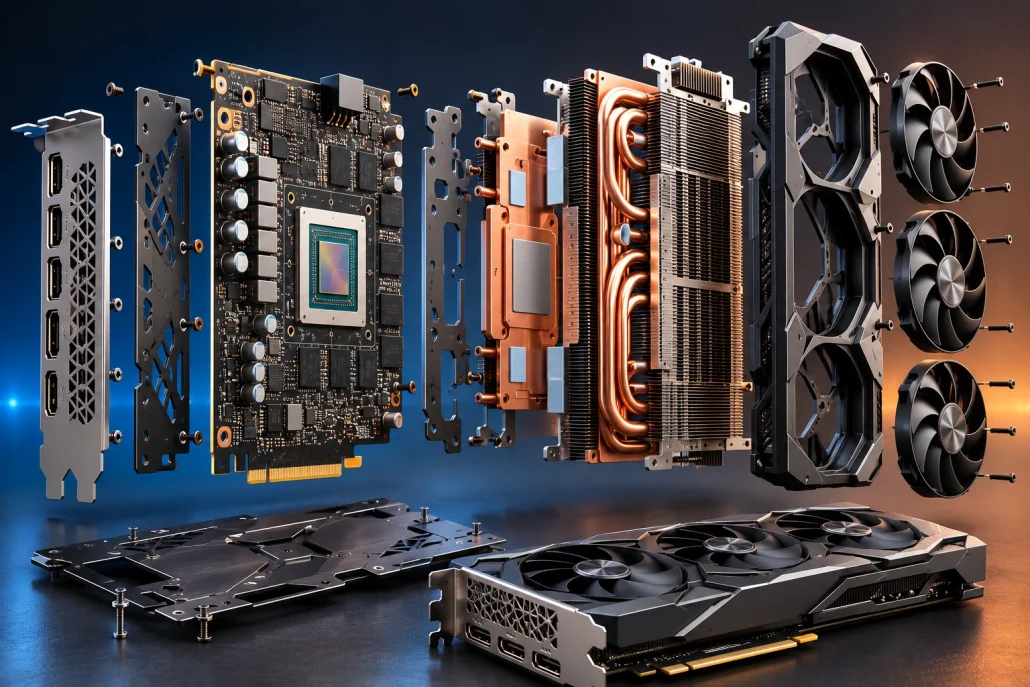
Exploded view of a modern graphics card showing the GPU chip, VRAM modules, heatsink, cooling fans and power delivery components.
Gaming Performance
Gaming benchmarks remain one of the biggest ranking factors. Reviewers evaluate performance across numerous modern games at resolutions like:
- 1080p
- 1440p
- 4K
Average frame rates help determine overall positioning.
Ray Tracing Performance
Modern games increasingly rely on ray tracing for realistic lighting, reflections and shadows. GPUs with dedicated ray tracing hardware generally rank higher because they provide smoother gameplay with advanced visual effects enabled.
VRAM Capacity
Video memory continues to grow in importance. Higher-resolution textures, AI workloads and creative software all benefit from larger VRAM capacities. While VRAM alone doesn’t determine performance, it can significantly impact long-term usability.
Architecture Improvements
New GPU generations often include substantial architectural improvements. These enhancements may increase:
- Performance per watt
- AI acceleration
- Ray tracing efficiency
- Video encoding quality
- Power efficiency
As a result, newer mid-range GPUs sometimes outperform older flagship models.
Driver Optimization
Graphics drivers receive continuous updates. Manufacturers regularly improve:
- Game compatibility
- Stability
- Performance
- New feature support
These updates can noticeably improve GPU performance over time.
GPU Hierarchy by Gaming Resolution
Different gaming resolutions require different levels of graphics performance.
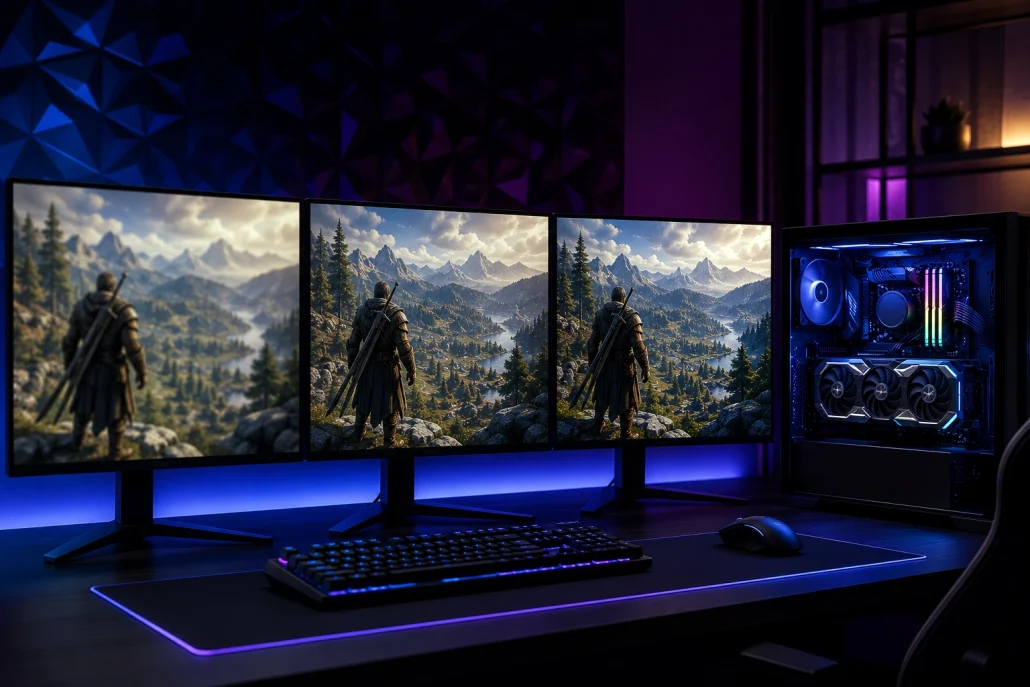
Gaming setup comparing 1080p, 1440p and 4K gameplay powered by modern graphics cards.
Best GPUs for 1080p Gaming
Players using Full HD monitors generally don’t require top-tier graphics cards. Mid-range GPUs often deliver:
- High settings
- Smooth gameplay
- Excellent esports performance
- Strong value
Best GPUs for 1440p Gaming
QHD gaming has become increasingly popular. Upper mid-range and high-end GPUs provide:
- High frame rates
- Better texture quality
- Improved ray tracing
- Excellent longevity
Best GPUs for 4K Gaming
Ultra HD gaming places enormous demands on graphics hardware. Only high-end and enthusiast GPUs consistently deliver:
- Maximum visual settings
- Stable frame rates
- Advanced ray tracing
- High refresh rate support
GPU Hierarchy for Content Creators
Gaming isn’t the only consideration. Content creators often prioritize different workloads, including:
- Video editing
- Motion graphics
- 3D rendering
- CAD software
- AI image generation
- Machine learning
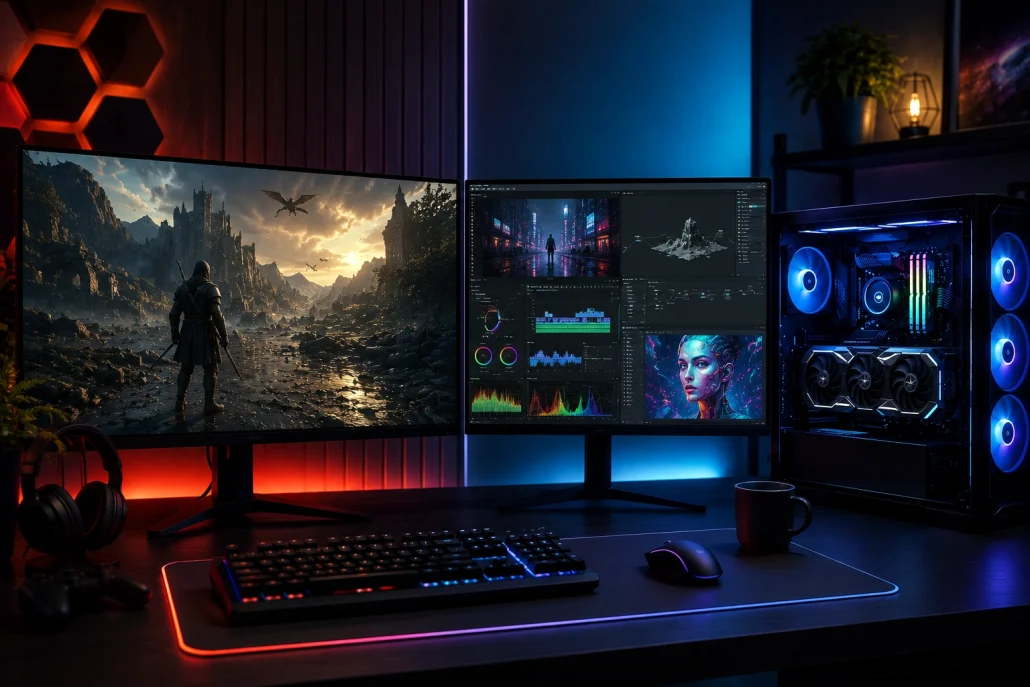
Desktop computer using a graphics card for gaming, video editing and 3D rendering.
Some GPUs perform significantly better in creative applications thanks to specialized hardware acceleration and optimized software support. Before purchasing, it’s important to check benchmarks for the applications you use most frequently.
Should You Buy the Highest-Ranked GPU?
Not necessarily. Buying the fastest graphics card isn’t always the smartest financial decision. Ask yourself:
- What resolution do I play at?
- What refresh rate does my monitor support?
- Do I edit videos professionally?
- Will I use AI applications?
- What is my overall PC budget?
Many gamers achieve excellent performance using upper mid-range GPUs while saving hundreds of dollars. A balanced system often performs better than pairing an expensive GPU with an outdated CPU.
Tips for Using GPU Hierarchy When Shopping
GPU hierarchy should serve as a guide rather than an absolute ranking. Keep these recommendations in mind:
- Compare real-world gaming benchmarks.
- Consider power supply requirements.
- Check VRAM capacity.
- Evaluate cooling solutions.
- Read professional reviews.
- Match the GPU to your monitor.
- Balance your budget across the entire PC build.
- Don’t ignore driver support and software features.
These considerations ensure you choose a graphics card that fits your specific needs rather than simply buying the highest-ranked option.
Future Trends in GPU Performance
GPU technology continues to evolve rapidly. In the coming years, buyers can expect:
- Faster AI accelerators
- Improved ray tracing hardware
- Better frame generation technologies
- More efficient architectures
- Higher VRAM capacities
- Enhanced video encoding
- Lower power consumption
- Greater support for AI-assisted gaming and creative workflows
These advancements will continue reshaping future GPU hierarchy rankings as new generations are released.
Futuristic graphics card representing AI acceleration, ray tracing and next-generation GPU technology.
Conclusion
Understanding the GPU hierarchy is one of the easiest ways to compare graphics cards before making a purchase. Instead of focusing solely on specifications, a hierarchy reflects real-world performance across gaming, content creation, AI workloads and professional applications. The best graphics card isn’t always the most powerful – it’s the one that matches your gaming resolution, creative needs, power budget and overall system configuration. Whether you’re a casual gamer, esports enthusiast, video editor or professional creator, using GPU hierarchy as part of your research will help you invest wisely and enjoy better long-term performance. As GPU technology continues to advance in 2026 and beyond, staying informed about performance tiers and real-world benchmarks will ensure you always choose the right graphics card for your needs.