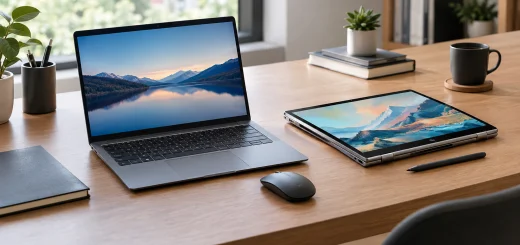
Gaming vs Business vs Student Laptops: Which Should You Buy?
Choosing a laptop is no longer just about finding the fastest processor or the biggest storage drive. Gaming vs Business vs Student Laptops is a comparison that matters because each category is designed around different priorities. Gaming laptops focus on performance and graphics, business laptops emphasize reliability and productivity, while student laptops usually prioritize affordability, portability, and everyday usability.
Table of Contents
- Gaming Laptops: Built for Performance
- Business Laptops: Designed for Productivity
- Student Laptops: Practical and Affordable
- Gaming vs Business vs Student Laptops: Key Differences
- Which Laptop Processor Should You Choose?
- How Much RAM and Storage Do You Need?
- Portability vs Performance
- What About Build Quality and Durability?
- Which Laptop Should You Buy?
Understanding these differences can help you spend your money on features you will actually use. Whether you need a laptop for gaming, office work, online classes, or a combination of tasks, the right choice depends on your workload, budget, and expectations.
Gaming Laptops: Built for Performance
Gaming laptops are designed for demanding workloads, particularly modern games that require substantial graphics and processing power. They typically feature powerful CPUs, dedicated graphics cards, high-refresh-rate displays, larger cooling systems, and faster memory.

A powerful gaming laptop sits on a modern desk with gaming peripherals and a high-performance display.
A dedicated GPU is one of the biggest differences between gaming laptops and mainstream models. It handles graphics-intensive games and can also benefit tasks such as video editing, 3D rendering, animation, and certain creative applications.
Gaming laptops also commonly offer displays with refresh rates above the standard 60Hz. A higher refresh rate can make fast-moving games appear smoother, especially when the hardware can produce enough frames per second.
However, performance comes with trade-offs. Gaming laptops tend to be heavier and thicker than student-focused models. Their cooling fans can also become noticeable during demanding workloads. Battery life may be less impressive when the dedicated graphics hardware is being heavily used.
Choose a gaming laptop if you need:
- Dedicated graphics performance
- High-refresh-rate gaming
- Powerful processors for demanding software
- Strong performance for creative workloads
- Upgrade potential on selected models
Business Laptops: Designed for Productivity
Business laptops take a different approach. Instead of focusing primarily on graphics performance, they are designed around productivity, durability, security, communication, and portability.
A good business laptop may include a comfortable keyboard, a precise touchpad, a high-quality webcam, strong connectivity, and security features such as fingerprint readers or hardware-based protection. Many models are also designed to withstand frequent travel and long working hours.

A sleek business laptop is positioned on a clean office desk for professional productivity.
Battery efficiency is another important consideration. Business users often spend hours working away from a power outlet, so efficient processors and battery optimization can be more valuable than a powerful dedicated GPU.
Business laptops can also be excellent choices for professionals who regularly work with documents, spreadsheets, presentations, web applications, video meetings, and cloud-based services.
Some premium business models are surprisingly lightweight while still providing excellent build quality. Their understated designs can also be more appropriate for offices and professional environments than gaming-oriented designs.
Choose a business laptop if you need:
- Reliable everyday productivity
- A comfortable keyboard for long typing sessions
- Strong battery life
- Security and privacy features
- Frequent portability
- Professional video conferencing
Student Laptops: Practical and Affordable
Student laptops are generally designed around everyday academic tasks rather than specialized professional workloads. Students often need to browse the web, attend online classes, create presentations, write assignments, use productivity applications, and stream media.

A lightweight student laptop sits on a study desk surrounded by notebooks, textbooks, and learning accessories.
For these activities, a mid-range processor and sufficient RAM can provide a smooth experience without the cost and weight associated with a gaming laptop.
Portability is particularly important for students who carry their laptops between classrooms, libraries, homes, and study spaces. A lighter design can make a significant difference when the device is carried throughout the day.
Battery life should also be high on the priority list. Students may not always have convenient access to charging points, making an efficient laptop more practical for lectures and study sessions.
Storage is another consideration. A solid-state drive provides faster startup and application loading than older mechanical storage, while 512GB can offer a useful balance for many users who store documents, applications, photos, and media locally.
Choose a student laptop if you need:
- An affordable everyday computer
- Lightweight portability
- Good battery life
- Web browsing and office applications
- Online learning and video calls
- A simple, versatile design
Gaming vs Business vs Student Laptops: Key Differences
The three categories can overlap, but their priorities are different.
| Feature | Gaming Laptop | Business Laptop | Student Laptop |
|---|---|---|---|
| Performance | Very high | Moderate to high | Basic to moderate |
| Graphics | Dedicated GPU common | Integrated graphics common | Integrated graphics common |
| Battery life | Moderate | Often strong | Often strong |
| Portability | Usually lower | Usually high | Usually high |
| Display | High refresh rates common | Productivity-focused | General-purpose |
| Build quality | Varies | Often emphasized | Varies by price |
| Security | Varies | Strong emphasis | Basic to moderate |
| Price | Moderate to premium | Budget to premium | Budget to mid-range |
| Best for | Gaming and demanding workloads | Professional productivity | Education and everyday tasks |
These categories are not strict rules. A powerful business laptop can handle some games, while a gaming laptop can easily run office applications. Likewise, a student may need a more powerful machine for engineering, design, programming, or video production.
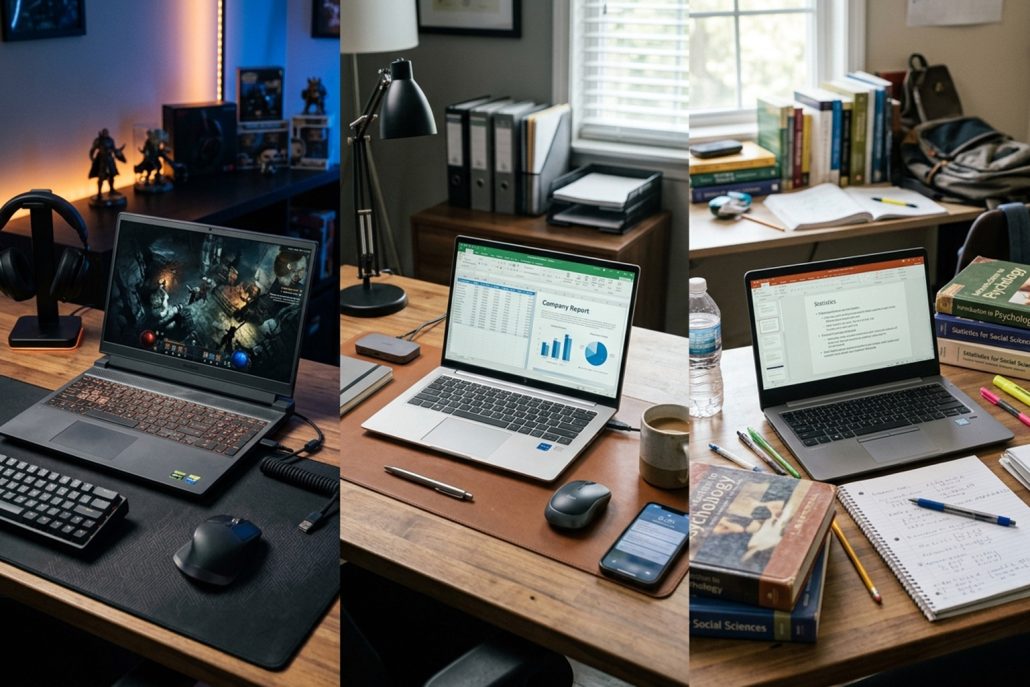
Three different laptops represent gaming, business, and student computing needs in realistic environments.
Which Laptop Processor Should You Choose?
The processor should match your workload rather than simply having the highest specification available.
For students who mainly browse the web, attend classes, write assignments, and use productivity software, an efficient mainstream processor is usually sufficient. Business users may benefit from processors designed to balance performance and battery efficiency.
Gaming users generally benefit from higher-performance processors, particularly when pairing them with a dedicated graphics card. A stronger CPU can help maintain high frame rates and support demanding applications alongside gaming.
Remember that processor performance is only one part of the equation. RAM, storage, cooling, graphics hardware, and software optimization also influence the overall experience.
How Much RAM and Storage Do You Need?
For basic student workloads, 8GB of RAM can handle many everyday tasks, although 16GB provides more room for multitasking and demanding applications.
Business users who regularly keep numerous browser tabs, spreadsheets, communication applications, and productivity tools open may also benefit from 16GB.
Gaming laptops should ideally have enough RAM for modern games and background applications. A 16GB configuration is a practical starting point for many gaming systems, while heavier creative workloads may justify more.
For storage, an SSD should be the preferred choice for modern laptops. A 512GB SSD provides a useful balance for many users, while gamers and creative professionals may want 1TB or more because games and large project files can consume storage quickly.
Portability vs Performance
One of the biggest decisions is whether you value mobility or raw performance more.
A thin student or business laptop can be easier to carry and may provide longer battery life. However, compact designs can have less room for powerful cooling systems and dedicated graphics hardware.
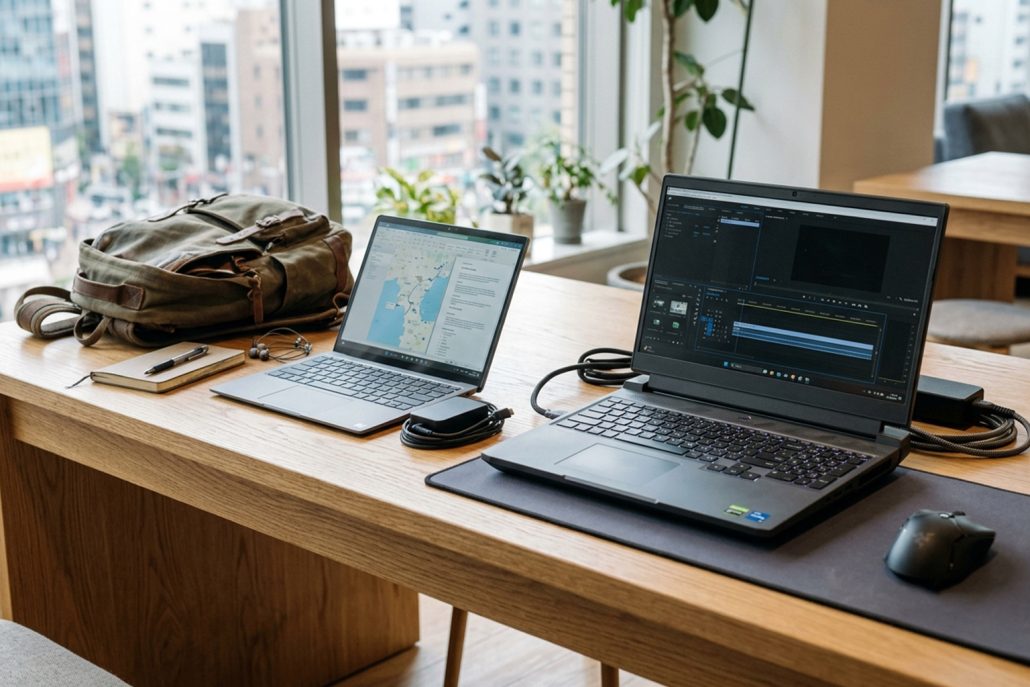
A slim laptop and larger performance laptop illustrate the balance between portability and computing power.
Gaming laptops generally sacrifice some portability to deliver higher performance. Larger cooling systems, powerful components, and gaming-focused displays can increase both weight and size.
If you travel every day, consider the laptop’s actual weight, charger size, battery capacity, and overall dimensions rather than focusing only on the laptop itself.
What About Build Quality and Durability?
Build quality matters regardless of the laptop category.
Students may benefit from a durable chassis because the laptop could spend considerable time in backpacks. Business users often place an even greater emphasis on durability because their devices may travel between offices, meetings, and work locations.
Gaming laptops also need effective construction because powerful components generate considerable heat. Good thermal design can help maintain consistent performance during long gaming sessions.
Look beyond the exterior. Hinge quality, keyboard construction, port selection, cooling design, and serviceability can all influence long-term usability.
Which Laptop Should You Buy?
The right choice depends on what you expect from the machine.
A gaming laptop makes sense when gaming, graphics-intensive applications, or demanding creative workloads are major priorities. You gain substantial performance but may have to accept greater weight, higher power consumption, and shorter battery life during demanding use.

Different laptop types are arranged on a desk to represent choosing a device based on individual needs.
A business laptop is suited to professionals who prioritize productivity, portability, security, communication, and dependable everyday performance. It can be particularly valuable for people who work remotely or travel frequently.
A student laptop is usually the practical option for users who primarily need web access, documents, presentations, online classes, research, and entertainment. It can deliver the essentials without paying for performance that may never be used.
Ultimately, gaming vs business vs student laptops is less about which category is universally better and more about matching the laptop to your daily workload. Identify the applications you use most, decide how much portability you need, set a realistic budget, and then prioritize the specifications that directly support those needs.
A laptop should make your everyday tasks easier rather than simply offering the biggest numbers on a specification sheet. By choosing according to your actual usage, you can find a system that provides the right balance of performance, battery life, portability, features, and value.