Display Refresh Rate Guide: Everything You Need to Know Before Buying a Display
Whether you’re buying a smartphone, gaming monitor, laptop, tablet, or TV, the display refresh rate is one of the most important specifications to consider. A higher refresh rate can make everything from scrolling through social media to playing fast-paced games feel smoother and more responsive. However, not everyone needs the highest refresh rate available.
Table of Contents
- What is Display Refresh Rate?
- Refresh Rate vs Frame Rate
- Common Display Refresh Rates
- Why Refresh Rate Matters
- Does Refresh Rate Improve Video Quality?
- Adaptive Refresh Rate
- Does Higher Refresh Rate Drain Battery?
- Refresh Rate vs Response Time
- Best Refresh Rate for Different Users
- Should You Upgrade from 60Hz?
- Myths About High Refresh Rate Displays
- Factors to Consider Alongside Refresh Rate
- Final Thoughts
What is Display Refresh Rate?
Display refresh rate refers to how many times a screen updates the image every second. It is measured in Hertz (Hz).
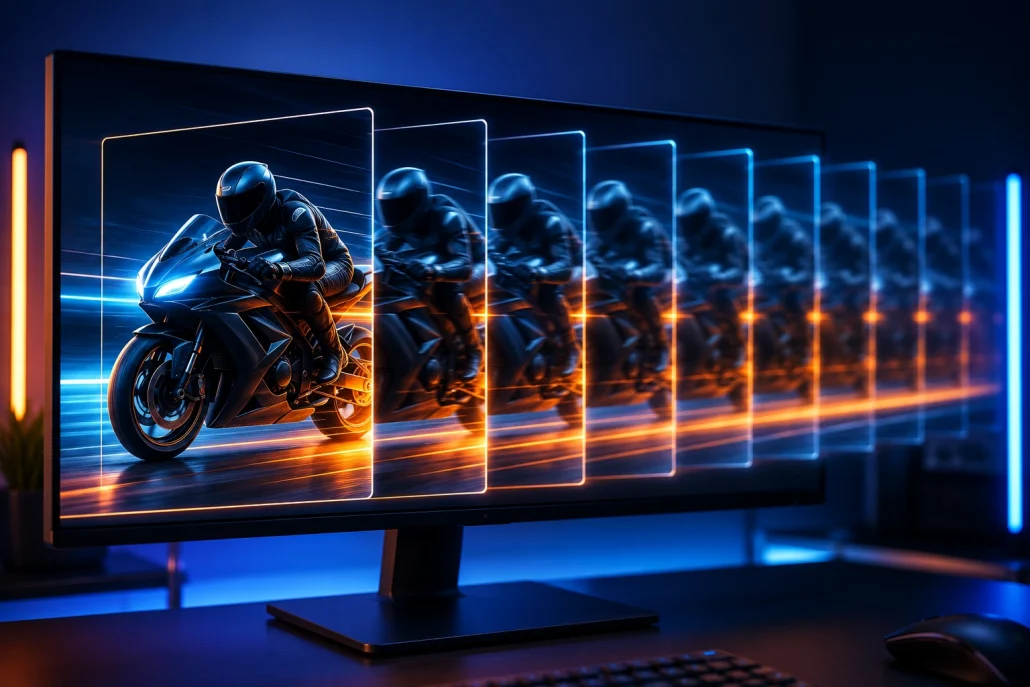
Close-up of a modern monitor illustrating smooth motion with multiple sequential frames of a fast-moving object, demonstrating a high display refresh rate.
For example:
- 60Hz refreshes the screen 60 times per second.
- 90Hz refreshes 90 times every second.
- 120Hz refreshes 120 times every second.
- 144Hz refreshes 144 times every second.
- 165Hz, 240Hz, and 360Hz offer even faster updates for competitive gaming.
A higher refresh rate creates smoother animations, reduces motion blur, and improves responsiveness.
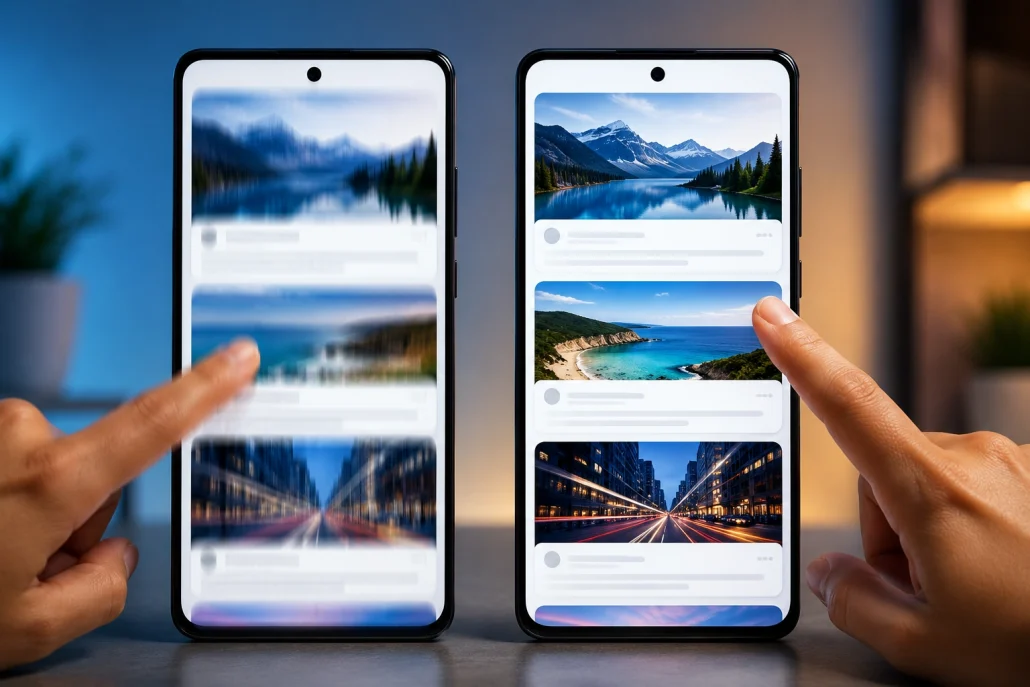
Two smartphones side by side showing the difference between 60Hz and 120Hz refresh rates, with one display appearing blurred during scrolling and the other looking smooth and sharp.
Refresh Rate vs Frame Rate
Many people confuse refresh rate with frame rate, but they are different. Refresh Rate (Hz) is determined by the display hardware. Frame Rate (FPS) refers to how many frames your graphics processor or game produces every second. For the best experience, both should work together. For example:
- 120 FPS on a 60Hz display still looks limited to 60 refreshes per second.
- A 120Hz display paired with 120 FPS delivers much smoother gameplay.
Common Display Refresh Rates
60Hz
60Hz has been the standard for many years. It is suitable for:
- Office work
- Web browsing
- Watching movies
- Reading documents
- Casual gaming
Although perfectly usable, users upgrading from 60Hz to higher refresh rates usually notice an immediate improvement.
90Hz
90Hz offers noticeably smoother scrolling and navigation. It’s commonly found in:
- Mid-range smartphones
- Budget gaming devices
- Affordable laptops
For many users, 90Hz provides an excellent balance between smoothness and battery efficiency.
120Hz
120Hz has become the sweet spot for premium devices. Benefits include:
- Smooth user interface
- Better gaming experience
- Reduced motion blur
- More responsive touch input
- Improved stylus performance
Many flagship smartphones, gaming laptops, premium monitors, and tablets now feature 120Hz displays.
144Hz and Above
Refresh rates of 144Hz, 165Hz, 240Hz, and even 360Hz target serious gamers. These displays provide:
- Extremely fluid motion
- Faster reaction times
- Reduced input lag
- Better tracking of fast-moving objects
Professional esports players often choose refresh rates above 240Hz for maximum responsiveness.
Why Refresh Rate Matters
A higher refresh rate improves the overall user experience in several ways.
Smoother Scrolling
Scrolling through websites, social media feeds, or long documents becomes significantly smoother. Text remains easier to read while moving.
Better Gaming Performance
Fast-paced games benefit the most from higher refresh rates.
Gamer playing a fast-paced racing game on a high refresh rate gaming monitor with an RGB mechanical keyboard, gaming mouse, and immersive lighting, demonstrating smooth and fluid gameplay.
Examples include:
Higher refresh rates help display enemy movement more clearly while reducing perceived input delay.
Improved Touch Response
On smartphones and tablets, high refresh rate displays often feel more responsive because touch interactions appear instantly. This creates a more premium user experience.
Better Animation Quality
Operating systems use many animations. Opening apps, switching windows, minimizing programs, and multitasking all appear much smoother on high-refresh-rate displays.
Does Refresh Rate Improve Video Quality?
Not necessarily. Most streaming content is recorded at:
- 24 FPS (movies)
- 30 FPS
- 60 FPS
Even on a 120Hz display, the original content doesn’t magically become higher frame rate. However, some TVs use motion interpolation to create smoother playback, although many viewers prefer to disable it for films.
Adaptive Refresh Rate
Modern smartphones and laptops often include adaptive refresh rate technology. Instead of running at maximum refresh constantly, the display automatically changes depending on what’s happening.
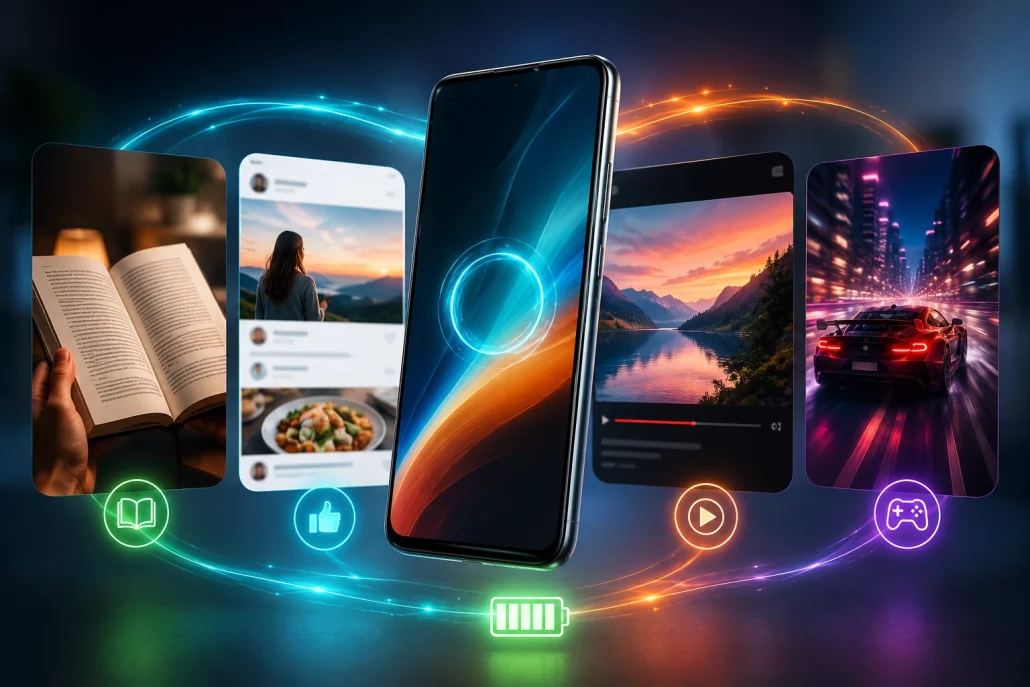
Premium smartphone automatically adjusting its display refresh rate while switching between reading, social media, video streaming, and gaming, illustrating adaptive refresh rate technology and improved battery efficiency.
For example:
- Reading an eBook: 1Hz–30Hz
- Browsing: 60Hz–90Hz
- Gaming: 120Hz or higher
Benefits include:
- Better battery life
- Lower power consumption
- Reduced heat generation
- Smooth experience when needed
Technologies like LTPO displays have made adaptive refresh rates much more efficient.
Does Higher Refresh Rate Drain Battery?
Yes. Refreshing the display more frequently requires additional power. A phone locked at 120Hz generally consumes more battery than one running at 60Hz. Fortunately, adaptive refresh rate technology minimizes this problem by lowering the refresh rate whenever high performance isn’t required.
Refresh Rate vs Response Time
These specifications are related but different. Refresh Rate Measures how often the display updates.
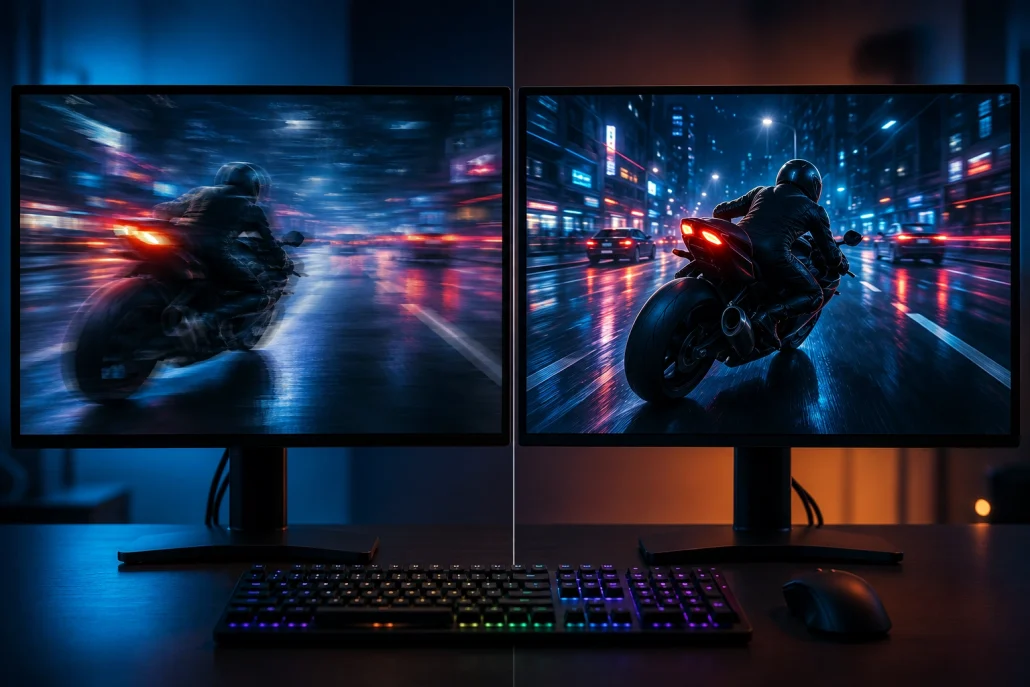
Split-screen comparison of two gaming monitors displaying a fast-moving scene, with one showing ghosting and motion blur and the other appearing crisp and responsive to illustrate refresh rate and pixel response time differences.
Response Time Measures how quickly individual pixels change color. A monitor with a high refresh rate but slow response time may still exhibit motion blur or ghosting. For gaming, both specifications are important.
Best Refresh Rate for Different Users
Office Users
Recommended refresh rate:
- 60Hz or 75Hz
Ideal for productivity, spreadsheets, presentations, and web browsing.
Students
Recommended refresh rate:
- 60Hz
- 90Hz
A smoother display improves reading and note-taking without significantly affecting battery life.
Casual Gamers
Recommended refresh rate:
- 120Hz
This offers smoother gameplay while remaining affordable.
Competitive Gamers
Recommended refresh rate:
- 144Hz
- 165Hz
- 240Hz
- 360Hz
Higher refresh rates provide the responsiveness required for competitive multiplayer games.
Content Creators
Recommended refresh rate:
- 120Hz
Video editing, animation previews, and timeline navigation feel smoother, although color accuracy often matters more than refresh rate.
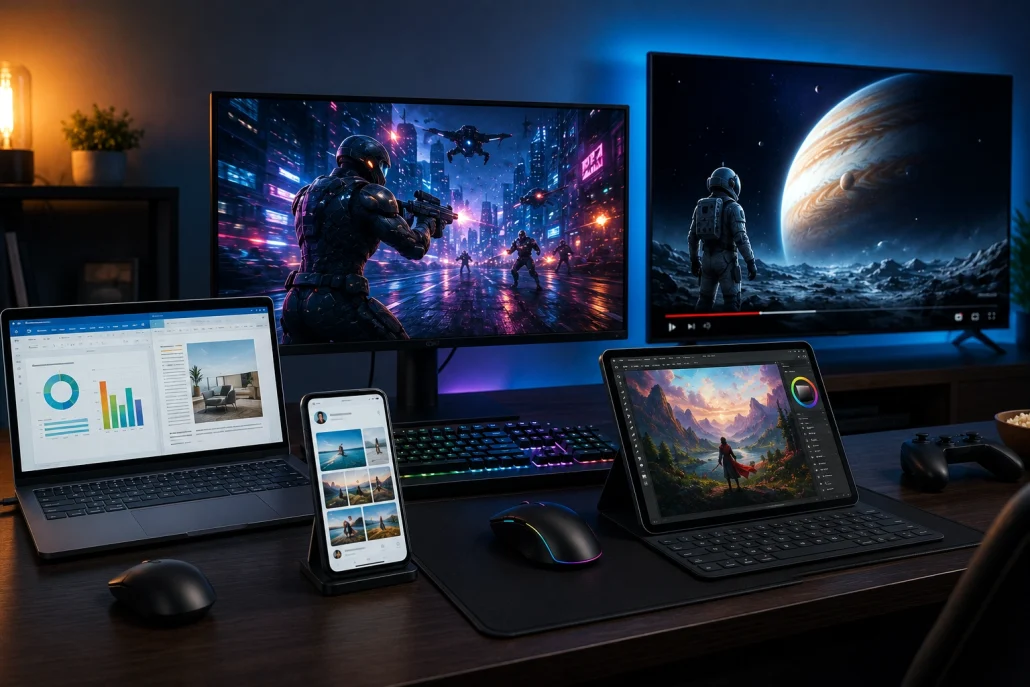
Modern smartphone, laptop, gaming monitor, tablet, and smart TV arranged on a desk, each being used for work, gaming, streaming, creative editing, and web browsing to demonstrate the ideal display refresh rates for different users and tasks.
Should You Upgrade from 60Hz?
If you’ve never used a high-refresh-rate display, 60Hz will likely feel normal. However, after experiencing 90Hz or 120Hz, many users find it difficult to return to 60Hz. An upgrade is worthwhile if you:
- Play games regularly
- Use your smartphone frequently
- Spend long hours on your computer
- Want smoother scrolling
- Prefer a more responsive interface
For users who mainly watch videos and browse occasionally, 60Hz still offers a perfectly acceptable experience.
Myths About High Refresh Rate Displays
Myth 1: Higher Refresh Rate Means Better Picture Quality
False. Picture quality depends on several factors, including:
- Resolution
- Brightness
- Contrast
- Color accuracy
- HDR support
- Panel technology
Refresh rate only affects motion smoothness.
Myth 2: Everyone Needs 240Hz
False. Most users won’t notice enough improvement beyond 120Hz to justify the extra cost. Competitive gamers benefit the most from ultra-high refresh rates.
Myth 3: Higher Refresh Rate Makes Every Video Smoother
Not always. Videos remain limited by their original frame rate unless motion processing creates additional frames.
Factors to Consider Alongside Refresh Rate
When purchasing a display, don’t focus solely on refresh rate. Also evaluate:
- Display resolution
- OLED, IPS, Mini-LED, or VA panel type
- HDR capability
- Brightness
- Response time
- Color accuracy
- Adaptive sync technologies (FreeSync or G-SYNC)
- Screen size
- Viewing angles
A balanced display often provides a better experience than simply choosing the highest refresh rate.
Final Thoughts
Understanding refresh rate helps you make a smarter buying decision, whether you’re shopping for a smartphone, gaming monitor, laptop, or television. While 60Hz remains adequate for everyday tasks, 90Hz and 120Hz deliver a noticeably smoother experience that many users appreciate. For gamers, refresh rates of 144Hz and above can offer a competitive edge, especially when paired with powerful hardware. Ultimately, the best display isn’t defined by refresh rate alone. Combining the right refresh rate with excellent resolution, color accuracy, response time, and adaptive sync support ensures a display that looks great and performs well across work, entertainment, and gaming.