Best RGB Gaming Accessories for a Better Gaming Setup
The best RGB gaming accessories can transform an ordinary gaming desk into a more immersive and visually appealing setup. RGB lighting is no longer limited to gaming PCs and keyboards. Today, you can find RGB gaming mice, headsets, mouse pads, speakers, controllers, microphones, and even desk accessories designed to create a coordinated gaming environment.
Table of Contents
- Why Choose RGB Gaming Accessories?
- 1. RGB Gaming Keyboard
- 2. RGB Gaming Mouse
- 3. RGB Gaming Headset
- 4. RGB Gaming Mouse Pad
- 5. RGB Gaming Speakers
- 6. RGB Gaming Controller
- 7. RGB Gaming Microphone
- 8. RGB Gaming Desk Accessories
- How to Choose the Best RGB Gaming Accessories
- RGB Gaming Accessories for Different Gamers
- Final Thoughts
However, RGB lighting should do more than make your setup look impressive. The right accessories should also provide useful features such as responsive controls, comfortable designs, accurate tracking, immersive audio, and convenient customization. Whether you are building a new gaming setup or upgrading your existing desk, choosing the right combination can improve both appearance and everyday gaming.
Why Choose RGB Gaming Accessories?
RGB accessories add customizable lighting to your gaming environment. Most modern products allow you to change colors, brightness, lighting effects, and patterns through software or onboard controls.
Beyond aesthetics, many RGB gaming accessories combine lighting with practical gaming features. A gaming keyboard may offer programmable keys, while an RGB mouse can provide adjustable sensitivity. Similarly, an RGB headset can combine lighting with surround sound and a noise-reducing microphone.
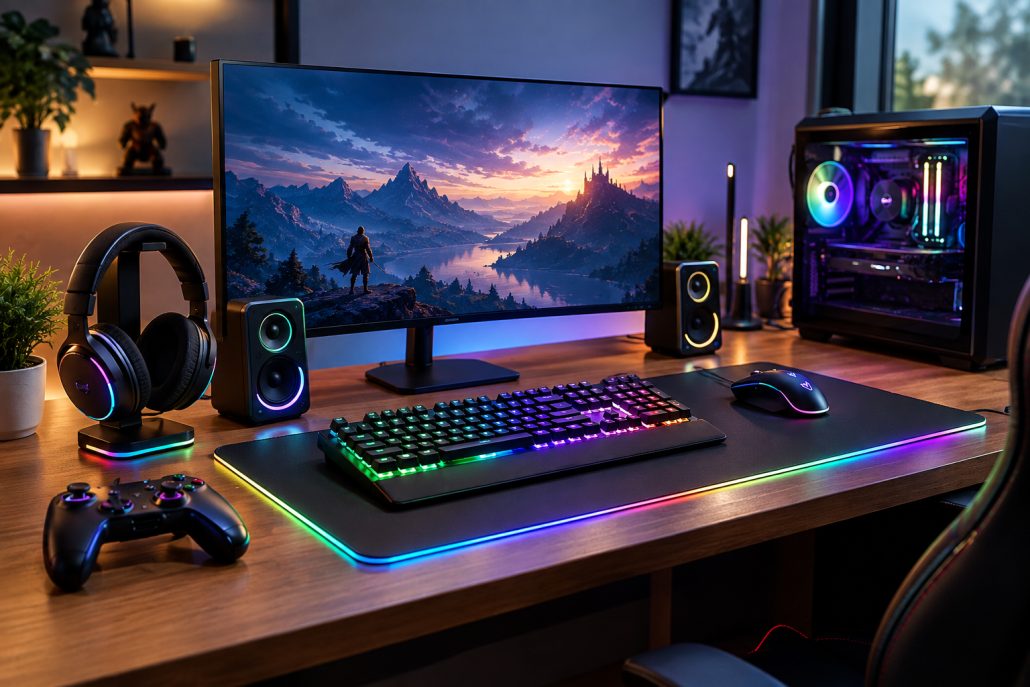
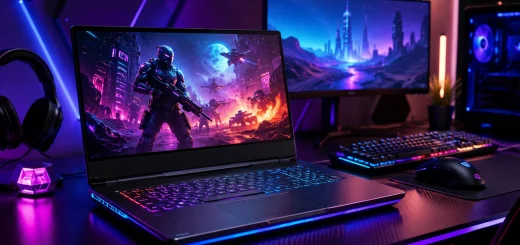
A coordinated gaming setup featuring multiple RGB accessories on a modern computer desk.
The key is to avoid choosing accessories based only on lighting. Look for products that offer the performance and comfort you need, with RGB serving as an added benefit.
1 RGB Gaming Keyboard
An RGB gaming keyboard is one of the most noticeable accessories on a gaming desk. Mechanical and membrane keyboards are available with customizable backlighting, while many gaming-focused models provide per-key RGB controls.
Mechanical keyboards can offer fast response, tactile feedback, and a more satisfying typing experience. Some models also include programmable keys, dedicated media controls, detachable cables, and adjustable actuation options.
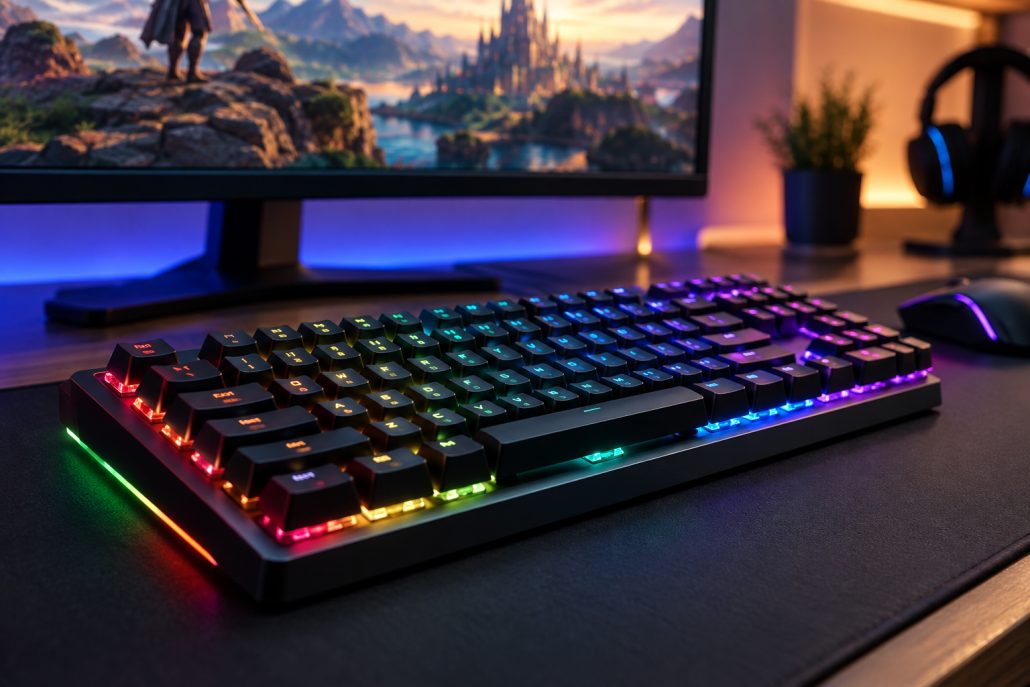
A mechanical gaming keyboard with customizable RGB backlighting on a modern gaming desk.
For competitive gaming, look for responsive switches and reliable anti-ghosting or key rollover. For general gaming and productivity, comfort and typing feel may be more important.
RGB synchronization can also allow keyboard lighting to match other accessories, creating a more consistent setup.
2 RGB Gaming Mouse
A gaming mouse is another essential accessory where performance matters more than lighting. RGB gaming mice are available in wired and wireless designs, with different shapes and sizes for various grip styles.
Important features include sensor accuracy, adjustable DPI, programmable buttons, tracking performance, and weight. Lightweight mice are particularly popular for fast-paced games because they can be moved quickly with less effort.
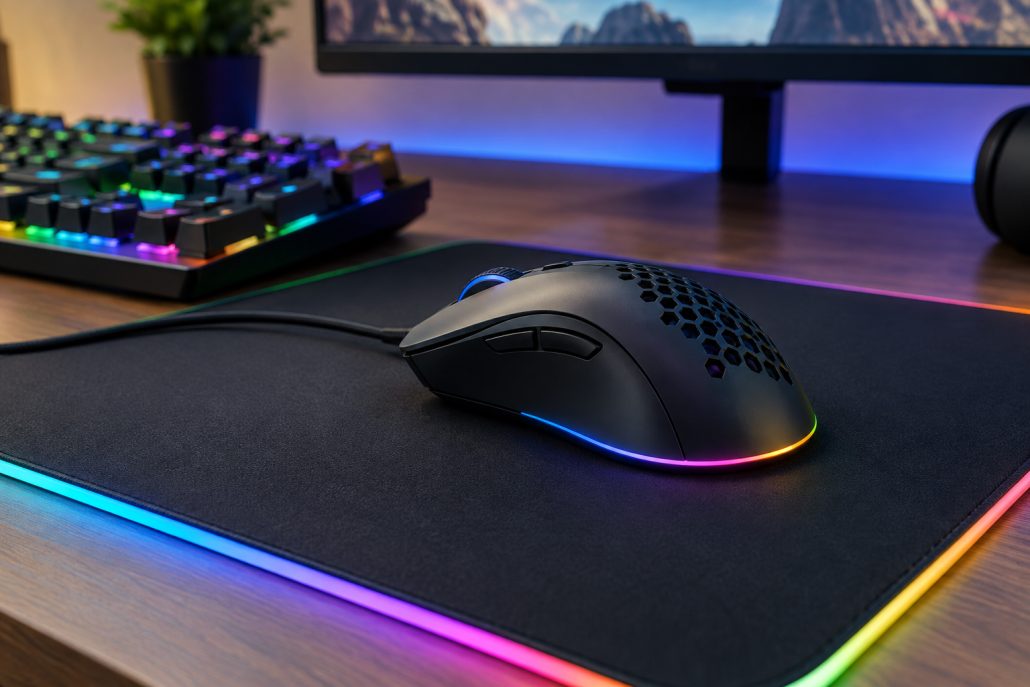
A gaming mouse positioned on an illuminated RGB mouse pad beside a gaming keyboard.
Wireless gaming mice have also become increasingly capable, offering low-latency connections suitable for competitive gaming. RGB lighting adds visual customization without affecting core performance.
When choosing a mouse, prioritize shape and comfort first. A beautifully illuminated mouse is not useful if it causes discomfort during long gaming sessions.
3 RGB Gaming Headset
An RGB gaming headset combines gaming audio with customizable lighting. A good headset should deliver clear sound effects, balanced audio, and a microphone that makes your voice easy to understand.
Surround or spatial audio features can help create a more immersive experience in supported games. This can be particularly useful when identifying directional sounds such as footsteps, vehicles, or environmental effects.
Comfort is equally important. Look for lightweight construction, breathable ear cushions, adjustable headbands, and controls that are easy to reach.
RGB lighting is mostly an aesthetic feature on headsets, but it can help the headset visually match the rest of your gaming setup.
4 RGB Gaming Mouse Pad
An RGB mouse pad is a simple way to add lighting around the edges of your desk. Many models feature large surfaces that accommodate both a gaming mouse and keyboard.
A smooth surface can provide consistent mouse movement, while larger extended designs can help create more freedom during gameplay.
Look for a non-slip rubber base and durable surface material. A stitched edge can also help improve long-term durability.
For gamers who prefer a clean desk aesthetic, an RGB mouse pad can provide noticeable lighting without adding another large device to the setup.
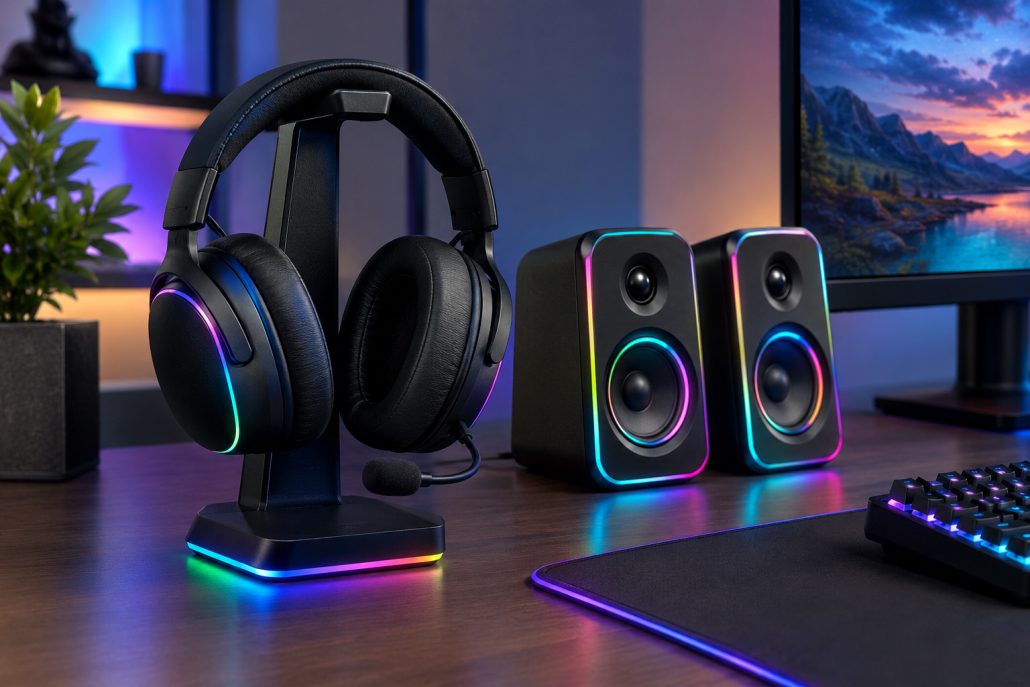
An RGB gaming headset and desktop speakers arranged beside a gaming monitor.
5 RGB Gaming Speakers
Headsets are not always necessary, especially when gaming alone at a desk. RGB gaming speakers can provide room-filling audio while adding ambient lighting to the setup.
Compact desktop speakers are suitable for smaller desks, while larger speaker systems can deliver stronger sound and wider stereo separation.
Features such as Bluetooth, USB connectivity, headphone outputs, volume controls, and multiple input options can make speakers more versatile.
If you regularly switch between gaming, music, videos, and casual use, speakers can be a practical addition to a gaming desk.
6 RGB Gaming Controller
An RGB gaming controller can be useful for players who enjoy racing games, sports titles, platformers, fighting games, and other controller-friendly genres.
Modern controllers can include textured grips, programmable buttons, adjustable triggers, vibration feedback, and wireless connectivity. RGB lighting adds customization and can make the controller visually match the rest of your setup.
PC gamers who switch between mouse-and-keyboard games and controller-based titles can benefit from keeping a quality controller nearby.
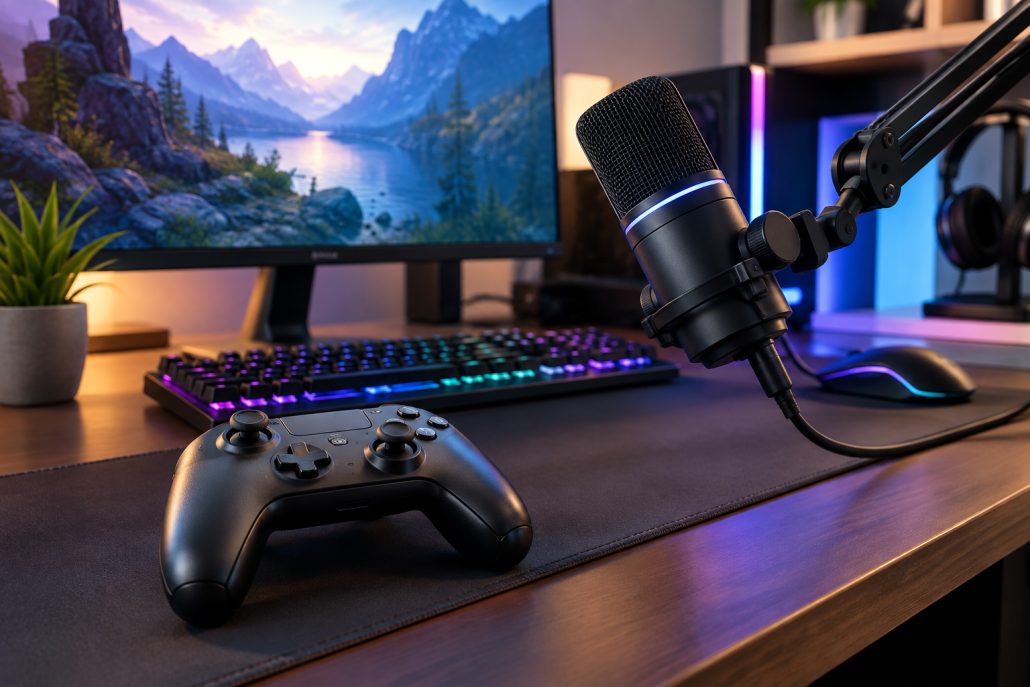
A gaming controller and RGB microphone arranged on a modern gaming and streaming desk.
7 RGB Gaming Microphone
For streamers, content creators, and multiplayer gamers, an RGB gaming microphone can improve communication while adding another visual element to the desk.
Look for clear voice reproduction, easy-to-access mute controls, adjustable gain, and a stable stand or boom-arm compatibility. USB microphones are generally convenient because they can connect directly to a gaming PC.
RGB lighting is not essential to microphone performance, but it can integrate well with other illuminated accessories.
For streaming setups, consider microphone placement carefully. A good microphone positioned correctly can provide better results than a feature-packed microphone placed too far away.
8 RGB Gaming Desk Accessories
Smaller RGB accessories can complete a gaming setup without requiring major upgrades. Options include RGB desk lamps, headphone stands, monitor light bars, cable-management accessories, and charging docks.
These products can provide useful functionality while contributing to the overall visual design of the desk.
An RGB headphone stand, for example, can keep your headset organized when it is not being used. A charging dock can reduce cable clutter, while a desk lamp can provide useful ambient lighting.
The best approach is to choose accessories that solve an actual desk-management or convenience problem.
How to Choose the Best RGB Gaming Accessories
Before buying, consider how each accessory fits into your current setup. Compatibility should be one of the first considerations, particularly if you want synchronized lighting.
Check whether your accessories use the same lighting software or support common RGB standards. Using products that can communicate with each other can make it easier to create consistent lighting effects.
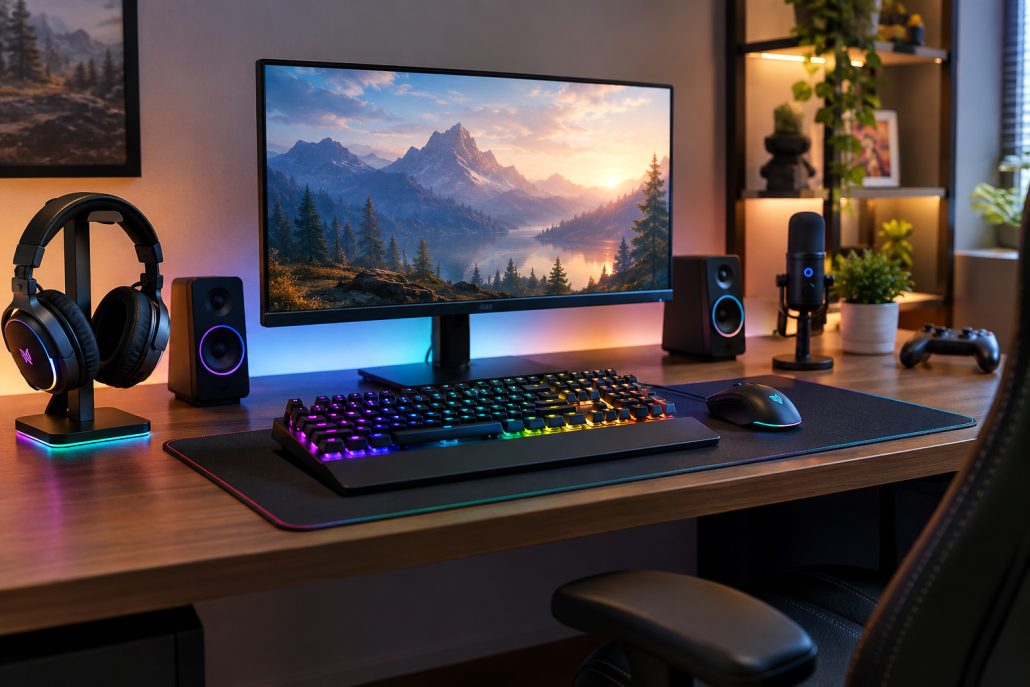
A clean gaming workstation with coordinated RGB accessories, organized cables, and a modern monitor.
You should also consider your desk size. Large RGB mouse pads, speakers, microphone arms, and controllers can quickly consume available space.
Performance should remain the priority. A gaming mouse should have a reliable sensor, a keyboard should feel comfortable and responsive, and a headset should provide clear audio. RGB lighting should complement these features rather than replace them.
RGB Gaming Accessories for Different Gamers
Competitive gamers may want to prioritize a lightweight mouse, responsive keyboard, comfortable headset, and large mouse pad. RGB lighting can then be used to personalize the setup without distracting from performance.
Streamers can benefit from an RGB microphone, keyboard, mouse, headset, and background lighting. Coordinated lighting can also improve the visual appearance of a streaming space.
Casual gamers may prefer a smaller combination such as an RGB keyboard, mouse, and mouse pad. This provides a noticeable visual upgrade without requiring a complete collection of RGB products.
For anyone building a gaming setup on a budget, start with accessories that you use most often. You can add decorative lighting and secondary accessories later.
Final Thoughts
The best RGB gaming accessories combine useful gaming features with customizable lighting. An RGB keyboard, mouse, headset, mouse pad, speakers, controller, and microphone can each contribute something different to a gaming setup.
Instead of buying every RGB product available, focus on accessories that match your gaming habits, desk space, and performance requirements. A few well-chosen products can create a cleaner and more immersive setup than a desk filled with unnecessary lighting.
Whether you are building your first gaming station or upgrading an existing one, the right RGB accessories can add personality while making your gaming environment more functional and enjoyable.