Tower PCs vs Mini PCs vs All-in-One Desktops: Which One Should You Choose?
Tower PCs vs Mini PCs vs All-in-One Desktops is a comparison worth considering before choosing your next desktop computer. Each option offers a different balance of performance, size, upgradeability, convenience, and value.
Whether you are building a gaming setup, setting up a home office, managing business workloads, or simply need a reliable everyday computer, understanding the differences between these desktop formats can help you make the right decision.
Table of Contents
What is a Tower PC?
A tower PC is the traditional desktop computer with a separate computer case, monitor, keyboard, and mouse. Tower PCs are available in different sizes, including full towers, mid-towers, and smaller compact cases. The biggest advantage of a tower PC is flexibility. Depending on the system, users can upgrade components such as the RAM, storage, graphics card, processor, cooling system, and power supply.

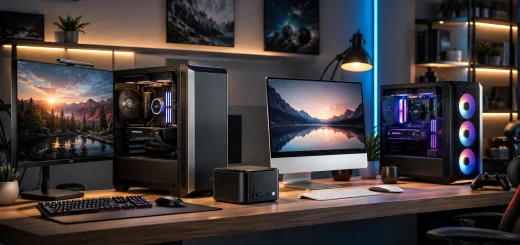
High-performance tower PC with visible internal components and cooling system on a modern desk.
Tower PCs are particularly popular among gamers, content creators, engineers, developers, and professionals who require high processing power. A larger case also provides more space for powerful components and better airflow. However, tower PCs require more physical space and involve multiple components. They may also consume more power than compact desktop alternatives.
What is a Mini PC?
A mini PC is a compact desktop computer designed to deliver essential computing capabilities in a much smaller form factor. Many mini PCs are small enough to fit behind a monitor, on a shelf, or even in the palm of your hand.
Despite their small size, modern mini PCs can handle everyday productivity, web browsing, office applications, media playback, programming, and many professional workloads. Some higher-end models like Mac Studio can also handle demanding applications.

Compact mini PC beside a monitor and keyboard in a minimalist workspace.
Mini PCs are an excellent choice when desk space is limited. They generally consume less power than larger desktop systems and can create a cleaner, more organized workspace.
The main limitation is upgradeability. While RAM and storage may be replaceable on some models, many mini PCs use components that are difficult or impossible to upgrade. Their compact design can also limit cooling and graphics performance compared with larger tower systems.
What is an All-in-One Desktop?
An all-in-one, or AIO, desktop combines the computer hardware and display into a single unit. Instead of having a separate computer case and monitor, the components are built into or positioned behind the screen.
The result is a clean and minimalist setup with fewer cables. An all-in-one desktop can be especially attractive for offices, reception areas, classrooms, creative workspaces, and homes where appearance and simplicity matter.

Sleek all-in-one desktop computer in a modern workspace.
Setup is also straightforward. Connect the keyboard, mouse, and power cable, and the system is generally ready to use. However, the integrated design comes with trade-offs. AIO desktops typically offer less flexibility for hardware upgrades than tower PCs. If the display or major internal hardware becomes outdated, replacing individual components may not always be practical.
Tower PC vs Mini PC vs All-in-One: Key Differences
The three desktop formats are designed for different priorities.
Tower PCs focus on performance, expansion, and long-term upgradeability. They are usually the best choice for users who need powerful processors, dedicated graphics cards, multiple storage drives, or specialized hardware.
Mini PCs prioritize compactness and efficiency. They are ideal for users who want desktop functionality without a large computer case taking up valuable space.
All-in-one desktops focus on convenience and clean design. They are particularly suitable for users who want a complete desktop system with fewer cables and a built-in display.
Performance
When it comes to raw performance, tower PCs generally have the advantage. Their larger chassis can accommodate high-performance CPUs, dedicated graphics cards, larger cooling systems, and higher-capacity power supplies. This makes tower PCs suitable for gaming, 3D rendering, video editing, CAD applications, software development, and other demanding workloads.

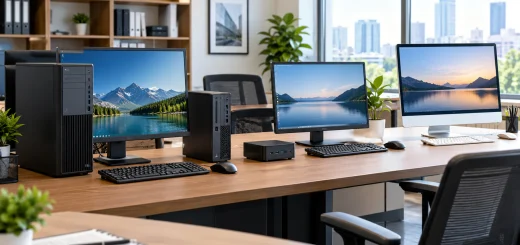
Tower, mini, and all-in-one desktops handling different computing workloads.
Mini PCs have improved significantly and can provide impressive performance for their size. However, compact thermal designs can limit sustained performance in some demanding applications.
All-in-one desktops vary considerably. Some models offer capable processors and graphics, while others are designed primarily for everyday productivity. Their performance should therefore be evaluated based on the specific configuration rather than the AIO format alone.
Upgradeability
Upgradeability is one of the strongest reasons to choose a tower PC. Users can often replace or add RAM, SSDs, hard drives, graphics cards, power supplies, and cooling components. Mini PCs offer limited upgrade options. Depending on the model, users may be able to upgrade memory or storage, but the processor and graphics hardware are often integrated.

Upgradeable tower PC components compared with compact desktop designs.
All-in-one desktops generally provide the least flexibility. Some models allow limited memory or storage upgrades, but many internal components are difficult to access. If you expect your computing requirements to increase over the next several years, a tower PC can offer greater flexibility.
Space and Portability
Mini PCs clearly win when desk space is the priority. Their compact footprint makes them useful for small offices, study areas, digital signage, media centers, and space-conscious workstations. All-in-one desktops also save space because the computer and display occupy a single unit.
They provide a clean appearance without requiring a separate PC case. Tower PCs need more room, particularly when paired with a large monitor and additional peripherals. However, the extra space provides the advantage of easier upgrades and improved component compatibility.
Power Consumption
Mini PCs are generally designed with energy efficiency in mind and often use lower-power hardware. This can make them attractive for users who run their computers for long periods and do not require workstation-level performance. All-in-one desktops can also provide relatively efficient computing because their components are designed around a compact integrated system. Tower PCs can consume considerably more power, particularly systems equipped with high-performance processors and dedicated graphics cards. However, power consumption depends heavily on the components installed and how the computer is used.
Gaming and Creative Work
For gaming, a tower PC remains the most versatile option. Dedicated graphics cards, better cooling, larger power supplies, and upgradeable components make towers suitable for demanding games and high-resolution displays. Some powerful mini PCs can support gaming, especially when equipped with capable integrated or dedicated graphics.
However, they generally offer fewer upgrade possibilities than conventional gaming desktops. For video editing, 3D design, animation, and other creative workloads, tower PCs are again usually the strongest option. Their ability to accommodate powerful CPUs, GPUs, large amounts of memory, and multiple storage drives provides a significant advantage. All-in-one desktops can work well for general creative tasks, photo editing, and productivity, but users with demanding professional workloads should carefully examine the hardware configuration.
Office and Everyday Productivity
For browsing, email, word processing, spreadsheets, video conferencing, accounting, and similar tasks, all three formats can be suitable. A mini PC is particularly useful when businesses need compact workstations that can be mounted behind monitors or placed discreetly on desks. An all-in-one desktop can provide an attractive solution for reception desks, customer service counters, classrooms, and traditional offices where a clean workspace is important. Tower PCs remain useful in offices where easy servicing, hardware upgrades, and long-term flexibility are priorities.
Which Desktop Should You Choose?
The best desktop depends on what you value most.
Choose a tower PC if you need maximum performance, gaming capability, extensive storage, dedicated graphics, or frequent hardware upgrades.
Choose a mini PC if you want a compact, energy-efficient computer for everyday productivity, office work, media consumption, or space-constrained environments.
Choose an all-in-one desktop if you want a clean, minimalist workspace, simple setup, and a computer and display integrated into one device.
There is no single winner because these systems are designed around different needs. A powerful tower PC may be unnecessary for basic office work, while a mini PC may not be the right choice for demanding 3D workloads. Similarly, an all-in-one desktop can be ideal for a streamlined home or office setup but may not provide the upgrade flexibility of a conventional desktop.
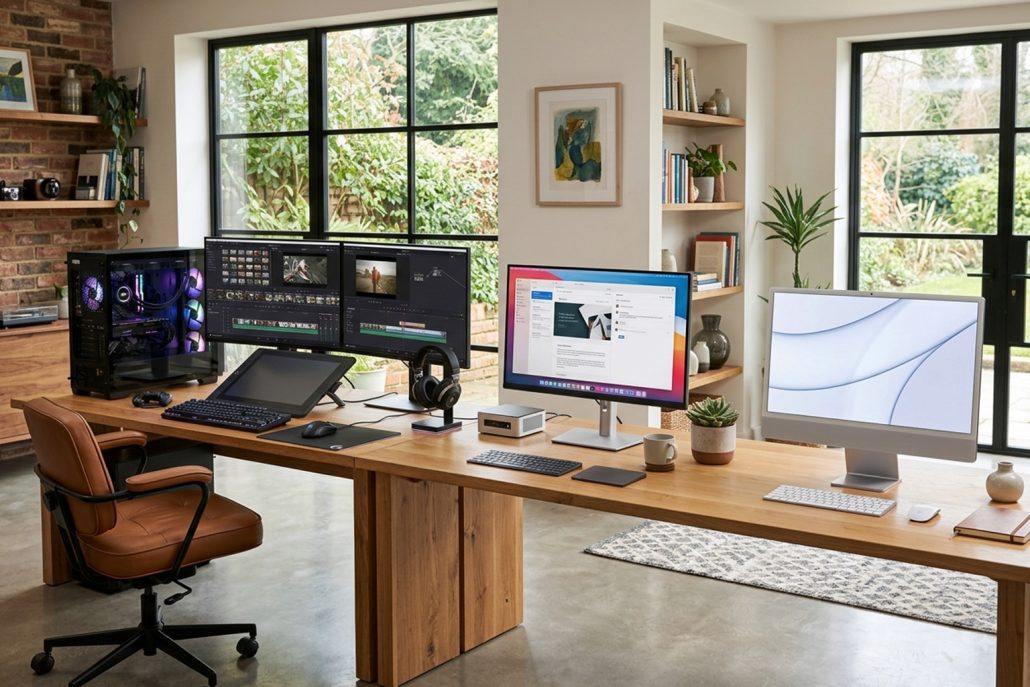
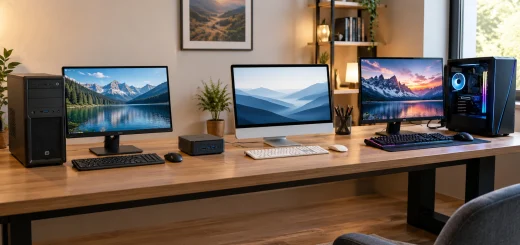
Tower PC, mini PC, and all-in-one desktop for different computing needs.
Final Thoughts
The choice between tower PCs, mini PCs, and all-in-one desktops ultimately comes down to performance, space, upgradeability, and convenience.
Tower PCs offer the greatest flexibility and are ideal for demanding users. Mini PCs provide impressive computing power in a compact package, making them excellent for modern, space-conscious workspaces. All-in-one desktops deliver a convenient and visually clean solution by combining the computer and display into one system.
Before buying, consider how you use your computer today and what you may need from it several years from now. Choosing a desktop based on those requirements will help you find the right balance between performance, practicality, and long-term value.