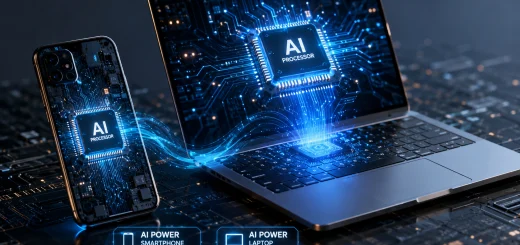
On-Device AI vs Cloud AI: Which is Better?
Artificial intelligence is becoming part of everyday technology. From smartphones and laptops to smart cameras, cars, and wearable devices, AI is increasingly being used to understand information, make predictions, automate tasks, and deliver personalized experiences. But not all AI processing happens in the same place.
Table of Contents
Some AI tasks are performed directly on the device, while others rely on powerful remote servers in the cloud. This creates an important question for consumers and businesses: On-device AI vs cloud AI-which is better?
The answer depends on what you need from an AI system. On-device AI can offer faster responses, better privacy, and offline functionality, while cloud AI provides greater computing power, scalability, and access to more advanced models. Understanding the difference can help you choose the right technology for your needs.
What is On-Device AI?
On-device AI, sometimes called edge AI, processes artificial intelligence tasks directly on a device rather than sending all the information to a remote server.
Modern smartphones, PCs, tablets, cameras, and other devices increasingly include dedicated AI hardware such as neural processing units (NPUs). These components are designed to handle AI workloads efficiently while consuming less power than traditional processors.
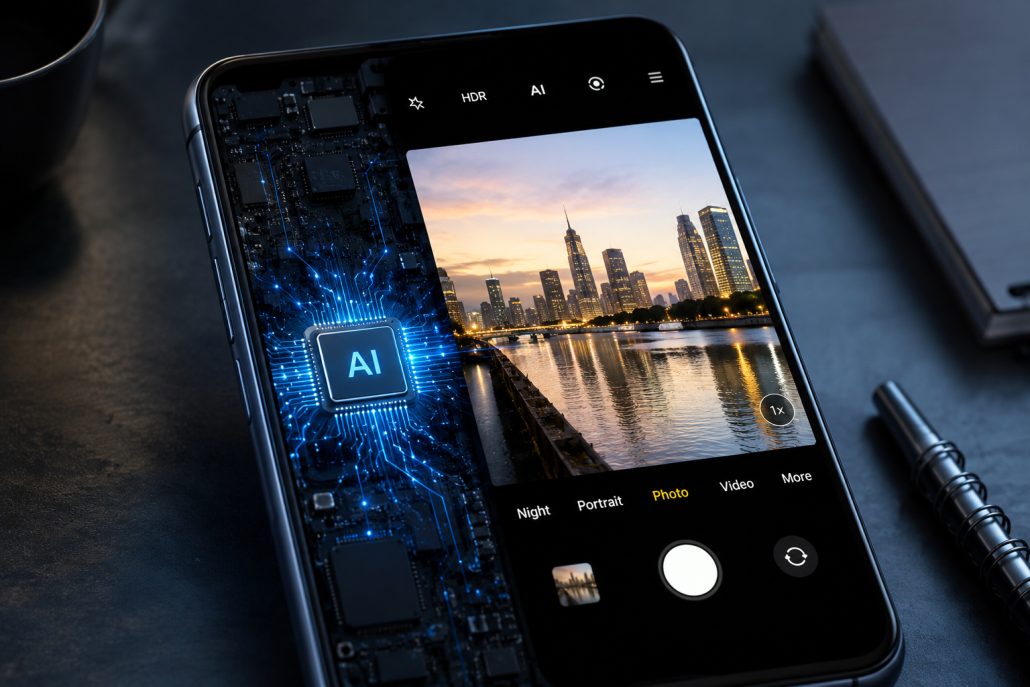
Smartphone processing artificial intelligence tasks locally on the device.
For example, a smartphone can use on-device AI to recognize objects in photographs, improve images, translate speech, remove background noise, summarize notifications, or enhance voice recognition. Because the processing happens locally, the device does not necessarily need an internet connection for every AI function.
The biggest advantage is speed. When data does not need to travel to a remote server and wait for a response, certain AI tasks can happen almost instantly.
What is Cloud AI?
Cloud AI processes data on remote servers operated through cloud computing infrastructure. Instead of relying entirely on the device’s hardware, an application sends information to powerful data centers where AI models process it and return a result.
Cloud AI is particularly useful for demanding AI applications. Large language models, advanced image-generation systems, complex data analysis, and other resource-intensive workloads can require enormous amounts of processing power and memory.
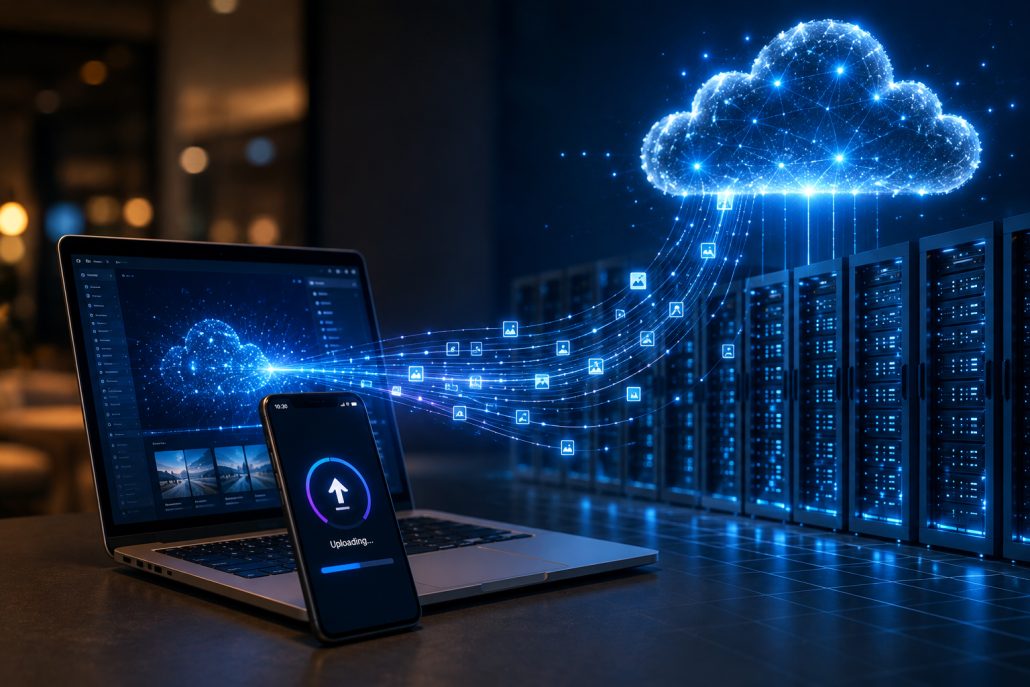
Device sending data to cloud servers for artificial intelligence processing.
Cloud platforms can also provide access to frequently updated AI models. Instead of upgrading the hardware inside every device, providers can improve their servers and deploy newer models centrally.
The trade-off is that cloud AI usually requires an internet connection. Data also has to travel between the user’s device and the cloud, which can introduce latency and raise privacy considerations.
On-Device AI vs Cloud AI: Key Differences
The differences between on-device AI and cloud AI become clearer when comparing their most important characteristics.
Processing Location
The most obvious difference is where computation happens. On-device AI processes information locally on the smartphone, computer, camera, or other compatible device. Cloud AI sends information to remote servers for processing.
This distinction affects almost everything else, including speed, privacy, hardware requirements, and connectivity.
Speed and Latency
On-device AI can provide extremely fast responses because there is no need to send data to a remote server and wait for the result.
This is especially important for real-time applications such as voice recognition, camera features, gaming, robotics, and smart vehicles.
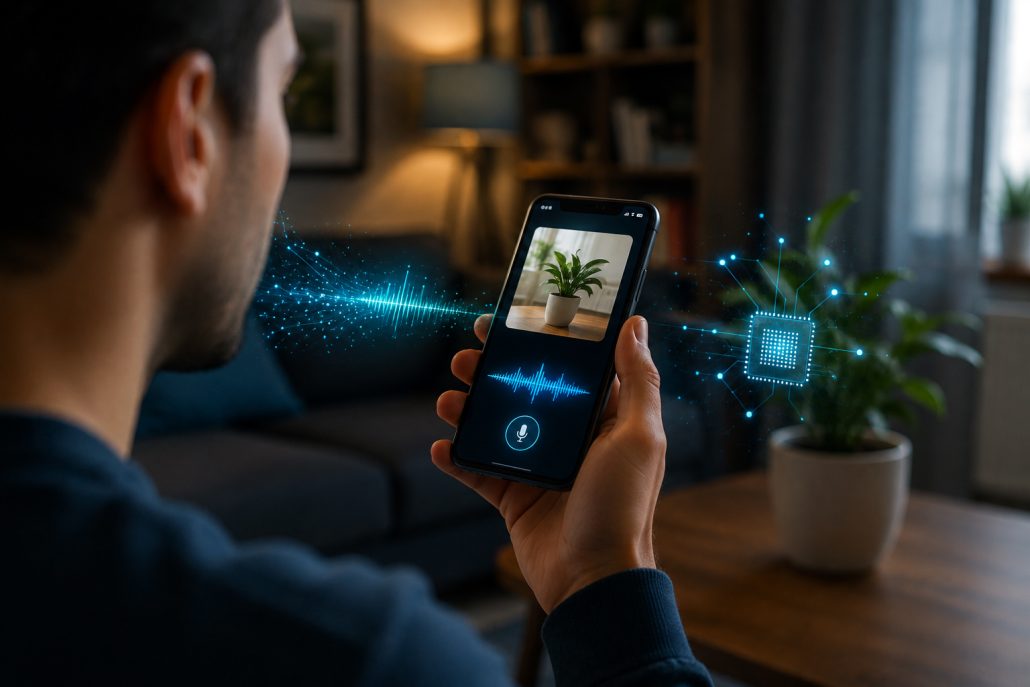
Smartphone using on-device AI for fast real-time processing.
Cloud AI can also be very fast, particularly when supported by high-performance infrastructure and a strong internet connection. However, network delays can affect response times.
For applications where every millisecond matters, on-device AI generally has an advantage.
Privacy and Security
Privacy is another major consideration. With on-device AI, sensitive information can often remain on the device. Personal photos, voice recordings, documents, and other data may be processed without being uploaded to a cloud server.
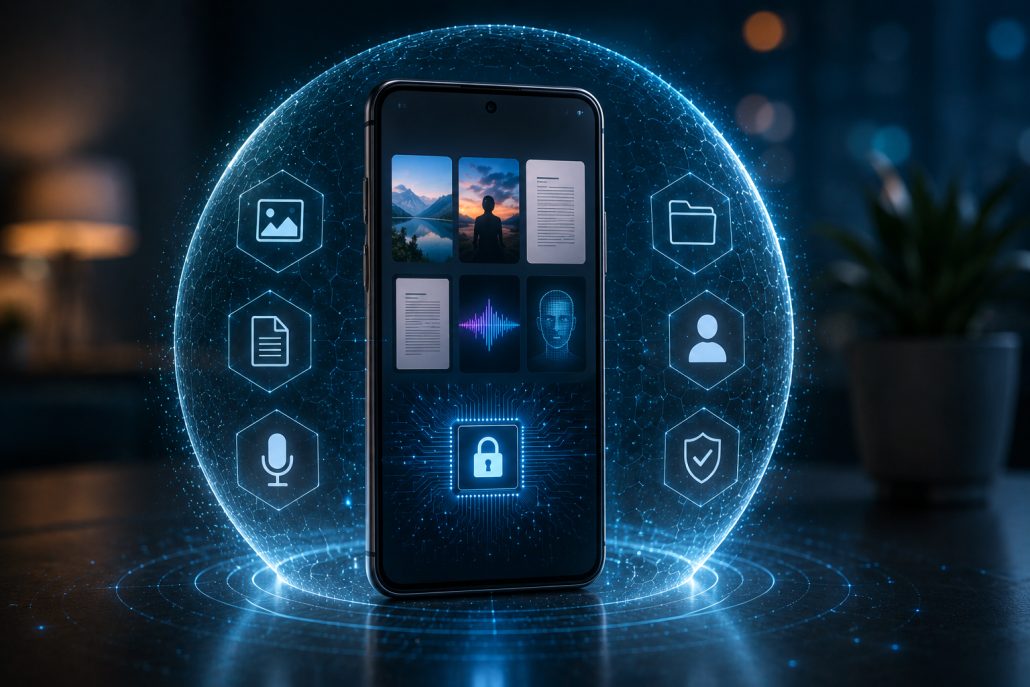
Smartphone protecting personal data with on-device AI processing.
Cloud AI requires data to travel to external infrastructure, although reputable cloud services can use encryption, access controls, and other security measures to protect information.
For highly sensitive applications, minimizing data transmission can make on-device AI particularly attractive.
Computing Power
Cloud AI has a major advantage when it comes to computing power. Data centers can contain thousands of high-performance processors and accelerators capable of running extremely large AI models. A smartphone or laptop has considerably more limited resources.
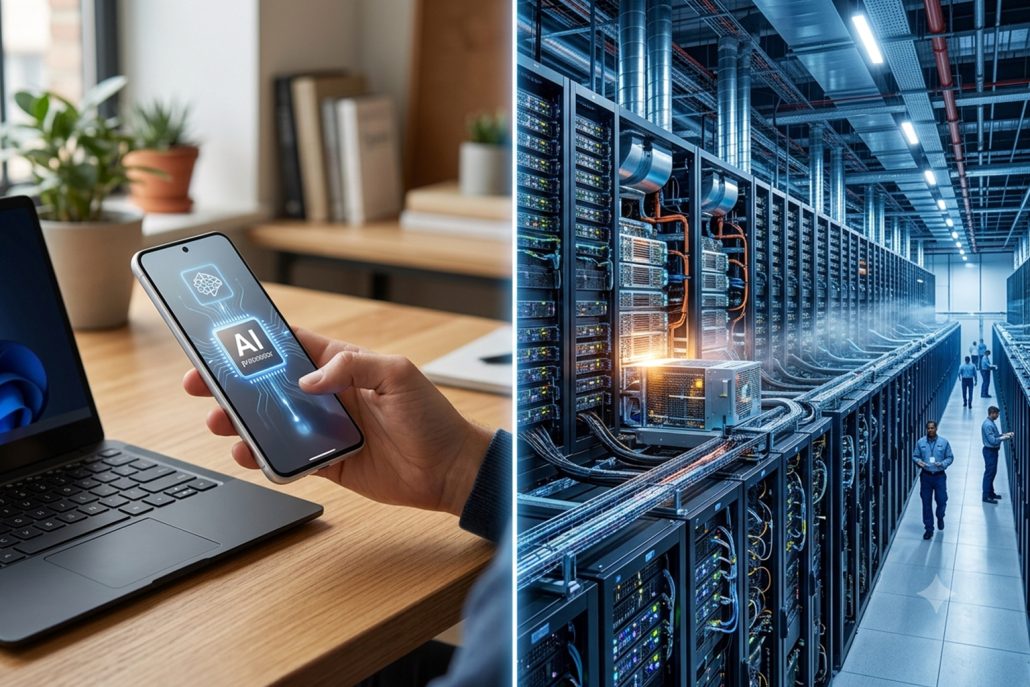
Personal device and cloud data center representing different AI computing capabilities.
As a result, cloud AI is generally better suited to complex AI models and computationally intensive workloads.
On-device AI is becoming more capable, however, as NPUs and AI-optimized processors improve. Smaller AI models can now perform tasks that previously required cloud processing.
Internet Connectivity
On-device AI can continue working when there is limited or no internet access, depending on the application. This is useful when traveling, working in remote areas, or using devices where reliable connectivity is unavailable.
Cloud AI normally depends on an internet connection. If the network is slow or unavailable, cloud-based AI services may become slower or inaccessible.
Hardware Requirements
On-device AI depends on the hardware available inside the device. Newer smartphones and computers increasingly include dedicated AI processors, but older devices may lack the processing power required for advanced AI features.
Cloud AI shifts much of the hardware burden away from the user. Even a relatively modest device can access powerful AI services through the internet.
Which is Better for Smartphones?
For smartphones, the best approach is increasingly a combination of both. On-device AI works well for everyday functions such as camera enhancement, voice processing, keyboard predictions, background noise reduction, and certain personalization features.
Cloud AI is more suitable for demanding tasks that require large models or substantial computing resources.
Modern smartphones are therefore moving toward a hybrid AI model. Simple and privacy-sensitive tasks can happen locally, while complex requests can be sent to cloud infrastructure when necessary.
Which is Better for Businesses?
Businesses also need to consider their specific requirements. On-device AI can be valuable for manufacturing, healthcare equipment, security systems, retail devices, and industrial applications where low latency and local processing are important. It can also reduce dependence on constant connectivity.
Cloud AI is often better for businesses that need large-scale data processing, advanced generative AI, centralized management, or flexible computing resources.
For many organizations, the most practical solution is a hybrid architecture that combines both approaches.
Advantages of On-Device AI
On-device AI offers several important benefits:
- Faster responses for supported tasks
- Reduced dependence on internet connectivity
- Greater control over sensitive data
- Lower network usage
- Potentially lower cloud service costs
- Useful for real-time applications
- Greater functionality in offline environments
Its main limitations include restricted processing power, storage requirements for AI models, battery consumption, and hardware compatibility.
Advantages of Cloud AI
Cloud AI also provides significant advantages:
- Access to powerful computing infrastructure
- Ability to run large and complex AI models
- Easier model updates and improvements
- Greater scalability
- Reduced dependence on local hardware
- Suitable for large-scale business applications
- Centralized data processing and management
Its disadvantages can include internet dependence, network latency, ongoing service costs, and additional privacy and security considerations.
The Future: Hybrid AI
The debate between on-device AI and cloud AI may eventually become less important as hybrid AI becomes more common.
A hybrid system can determine where a task should be processed. A small request might stay on the device, while a complex request could be sent to the cloud.
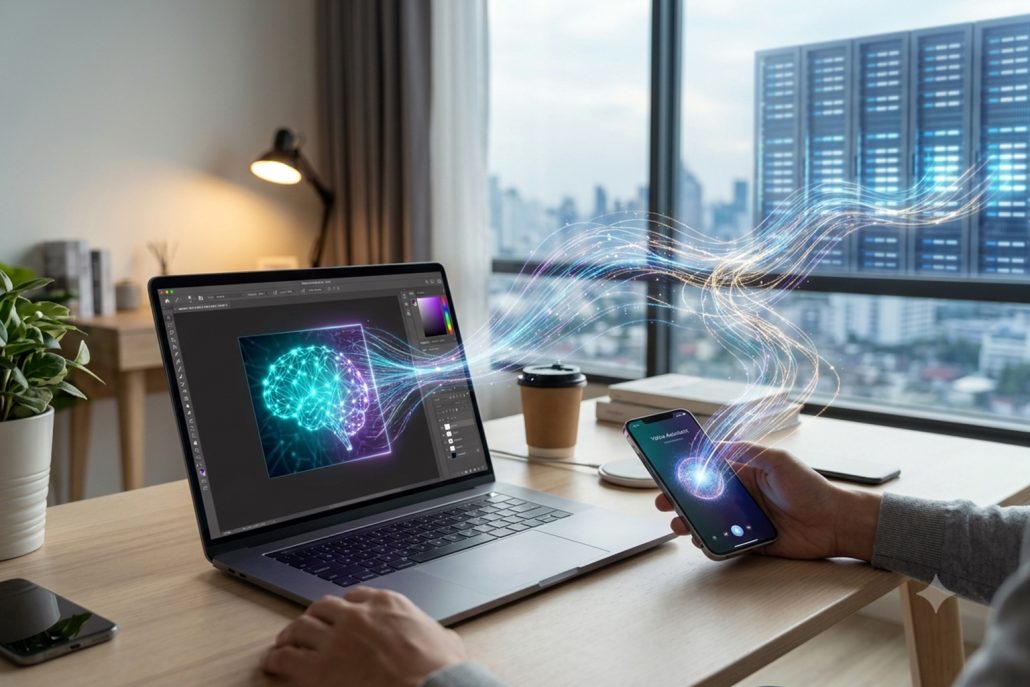
Hybrid AI combining on-device processing with cloud AI infrastructure.
For example, a smartphone could locally identify objects in a photograph while using cloud AI to perform a more complicated analysis. This approach allows manufacturers and developers to balance speed, privacy, performance, and cost.
As AI processors become more powerful and energy efficient, more capabilities will move directly onto personal devices. At the same time, cloud data centers will continue supporting increasingly sophisticated AI models.
On-Device AI vs Cloud AI: Which Should You Choose?
There is no universal winner.
Choose on-device AI when speed, privacy, offline access, and real-time processing are your priorities.
Choose cloud AI when you need powerful models, extensive computing resources, scalability, or advanced AI capabilities that local hardware cannot handle.
For most users, the future is not going to be purely on-device or purely cloud-based. The strongest AI experiences will likely combine both.
The real question is not whether on-device AI is better than cloud AI. It is which type of processing is better for a particular task. As smartphones, PCs, and other connected devices become more intelligent, the ability to decide where AI processing should happen will become an increasingly important part of modern technology.